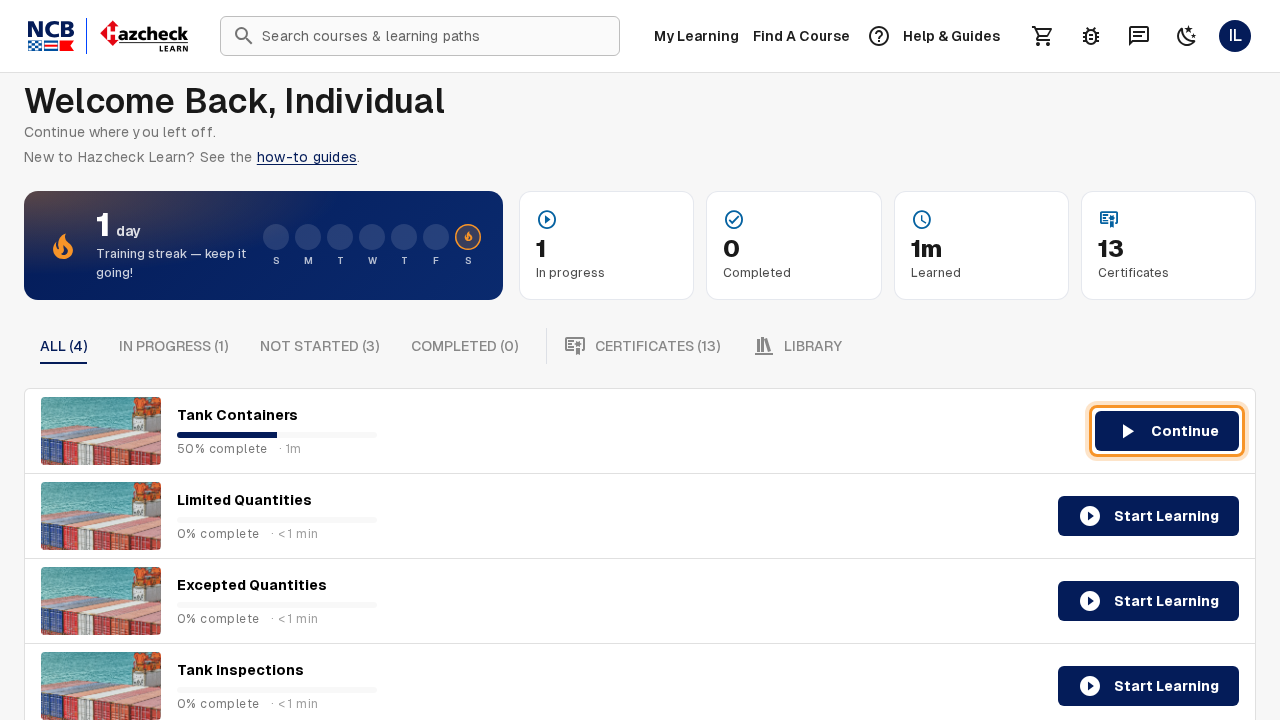
Renew a course when your access has ended
Access to a course can have an end date. After it, buy the course again to carry on where you stopped.
-
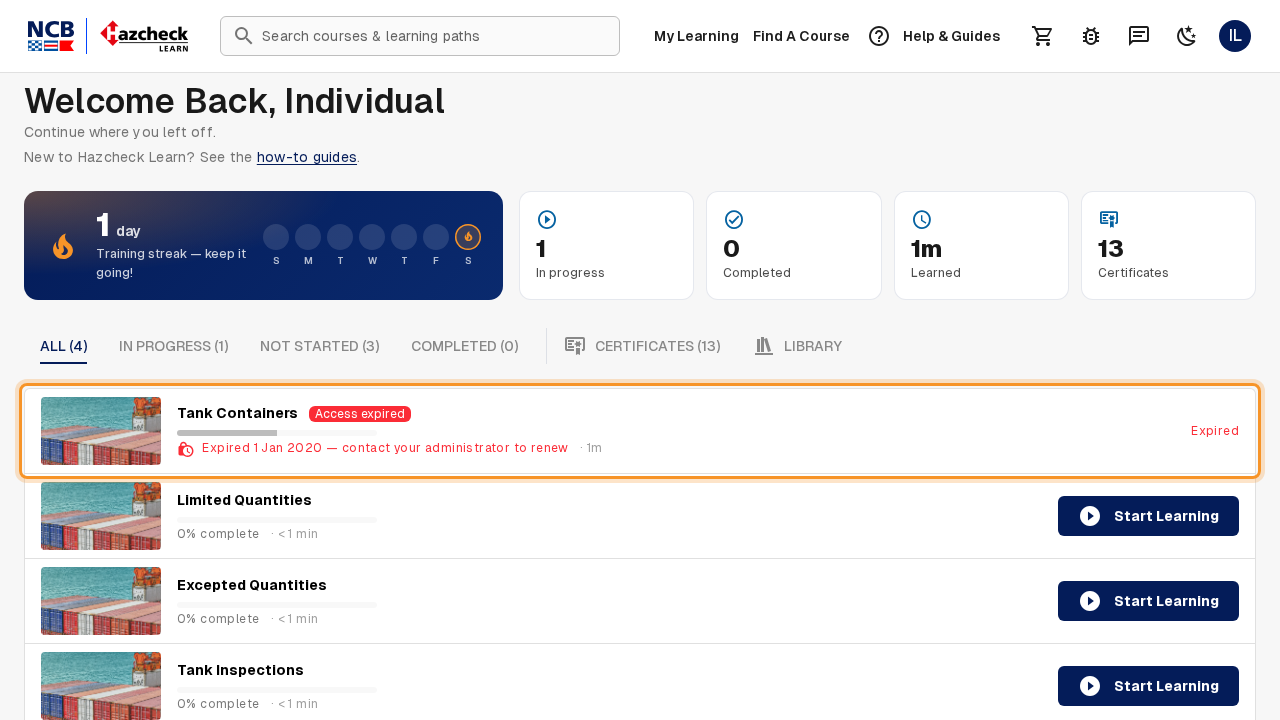
Step 1: See that access has ended
In My Learning the course is marked Access expired and can no longer be opened.
-
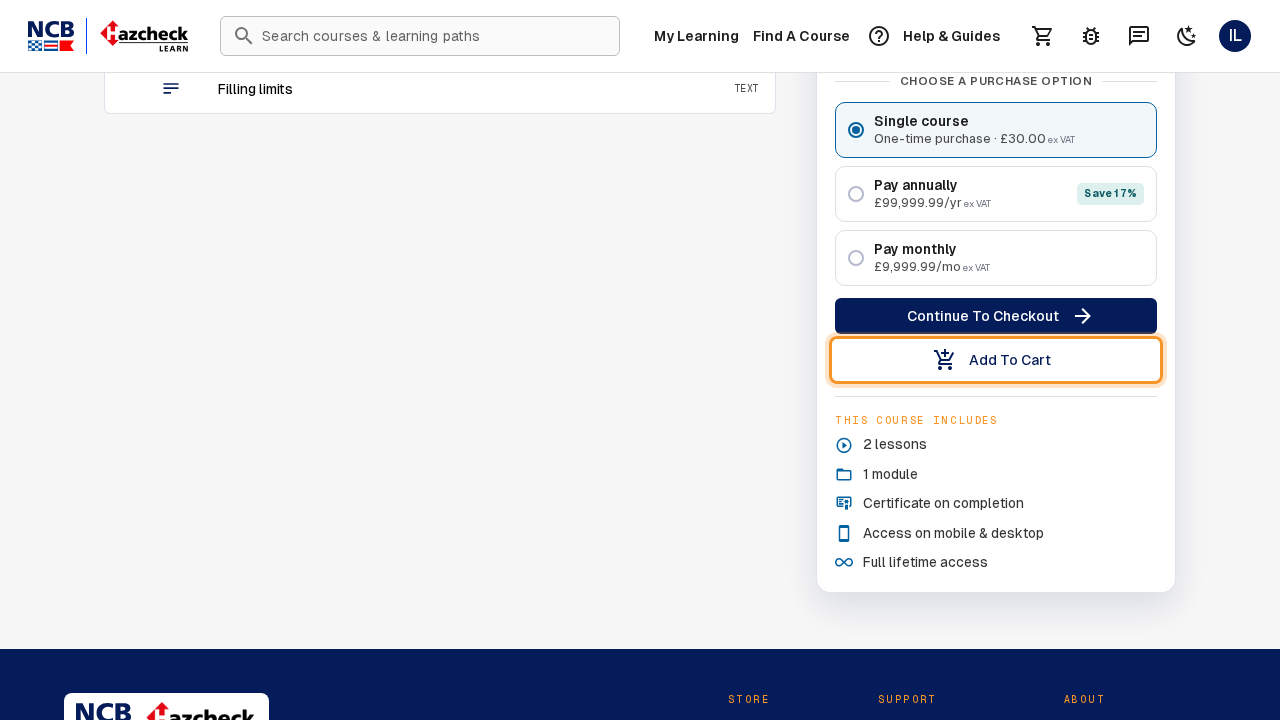
Step 2: Buy it again
Find the course in the store. It is on sale to you again: select Add to cart and check out as before.
-
Step 3: Carry on
Back in My Learning the course is open again, with the lessons you had finished still ticked. Select Continue.