Add your team from a spreadsheet
Import everyone at once from a CSV file exported from your HR system, instead of adding people one by one.
-
Step 1: Choose your CSV file
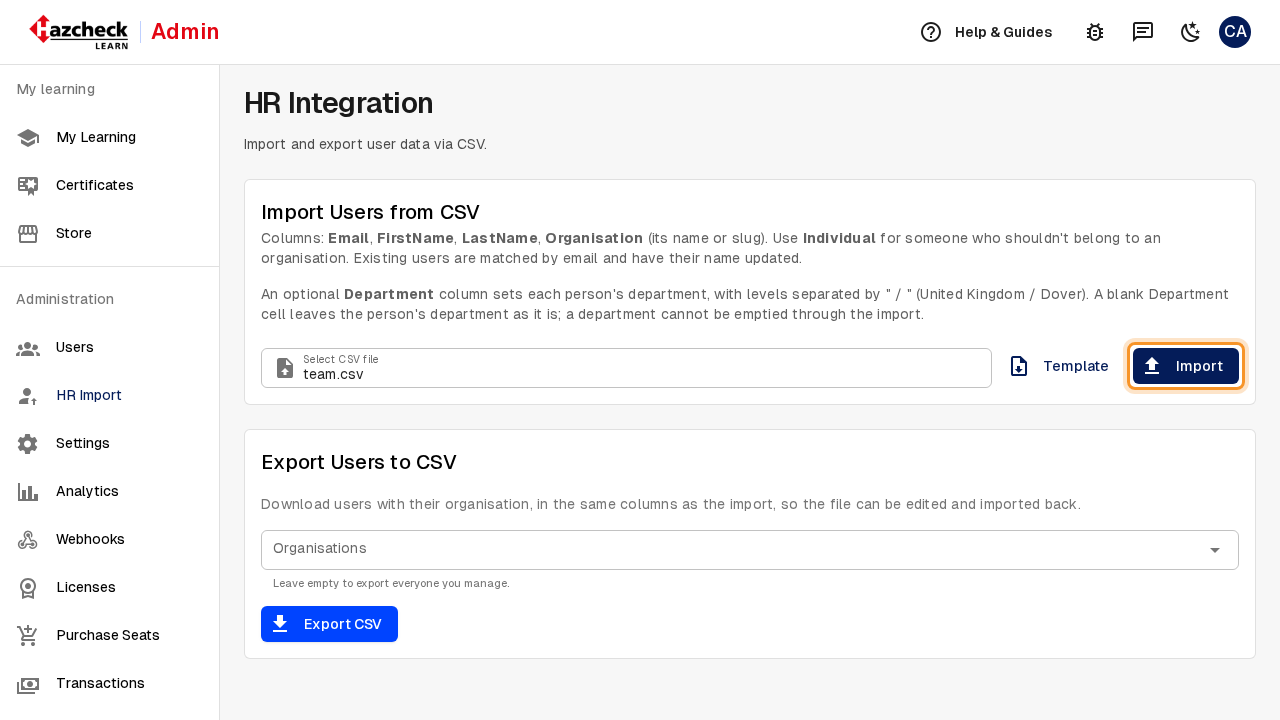
Open HR Import. The file needs the columns Email, FirstName, LastName and Organisation; select Template to download one to fill in. Choose your file, then select Import.
-
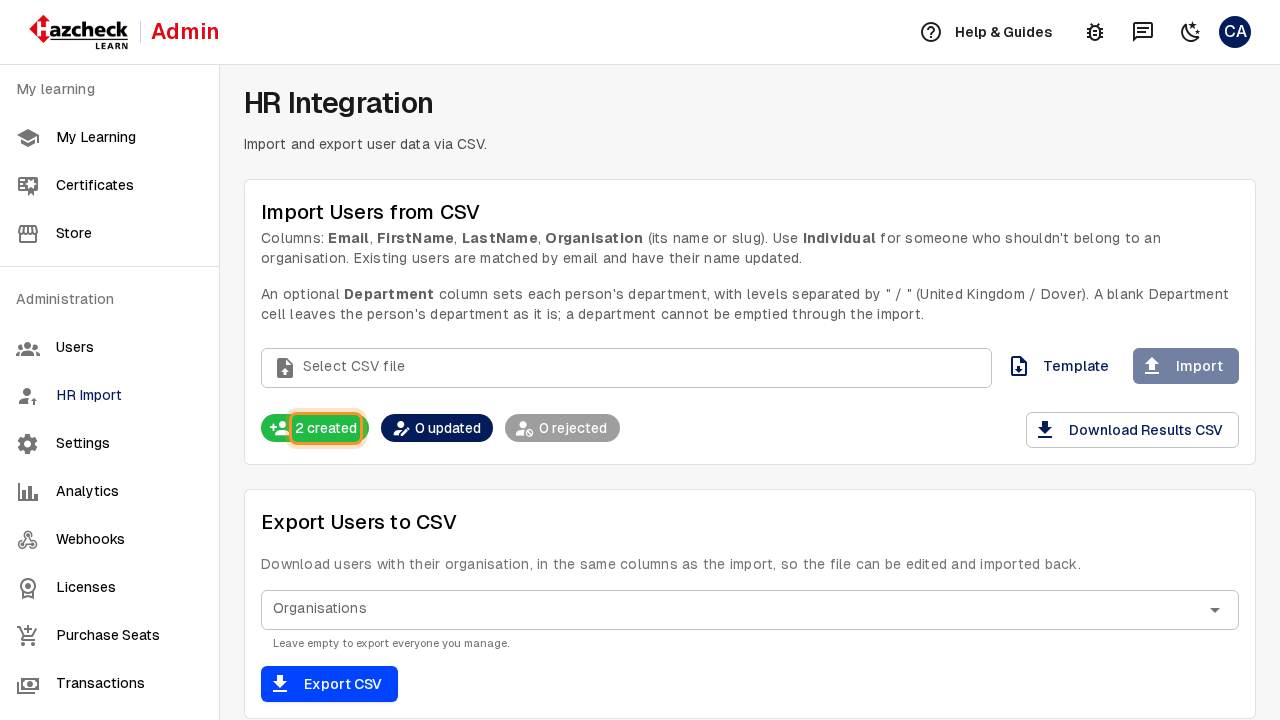
Step 2: Check the results
The results show how many people were added, how many already existed and had their names updated, and any rows that couldn't be imported, with the reason.