Buy seats for your team
Buy seats on a course in bulk. They go into your licence pool, ready to give to people.
-
Step 1: Choose the course and how many seats
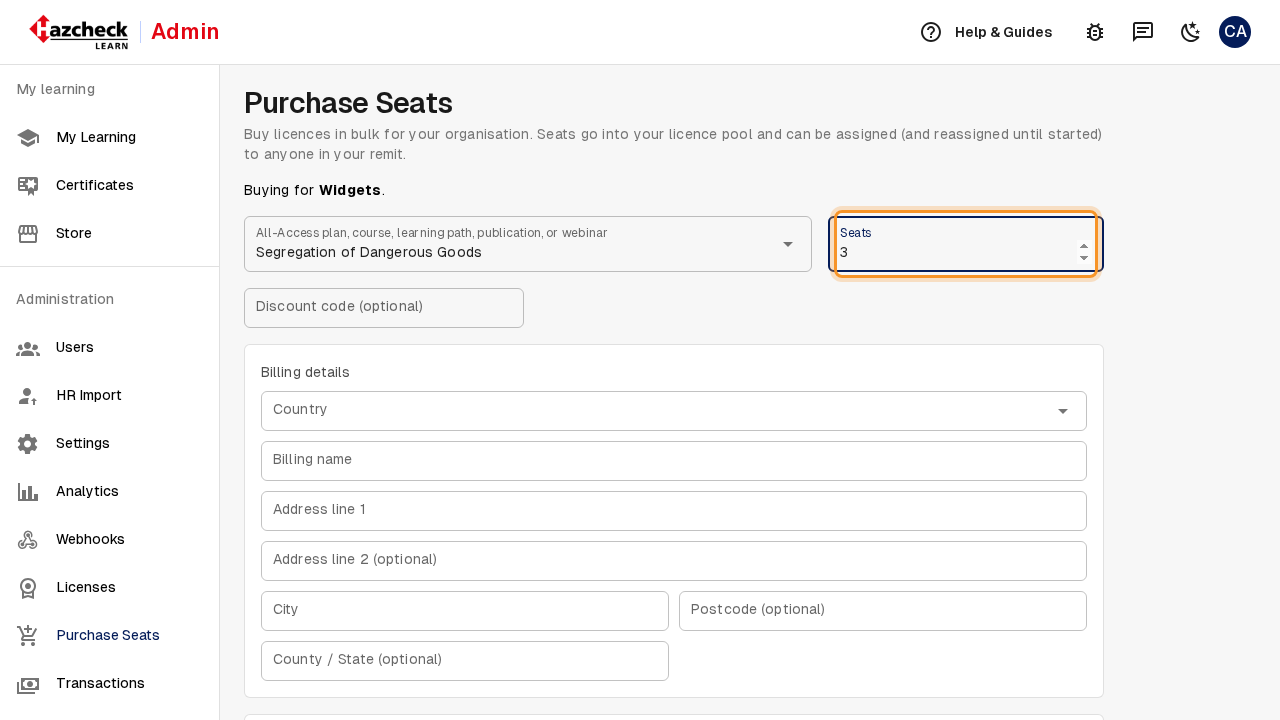
Open Purchase Seats, find the course and enter the number of seats. The price updates as you go, with any partner discount already applied; it is before VAT until you choose the billing country.
-
Step 2: Pay
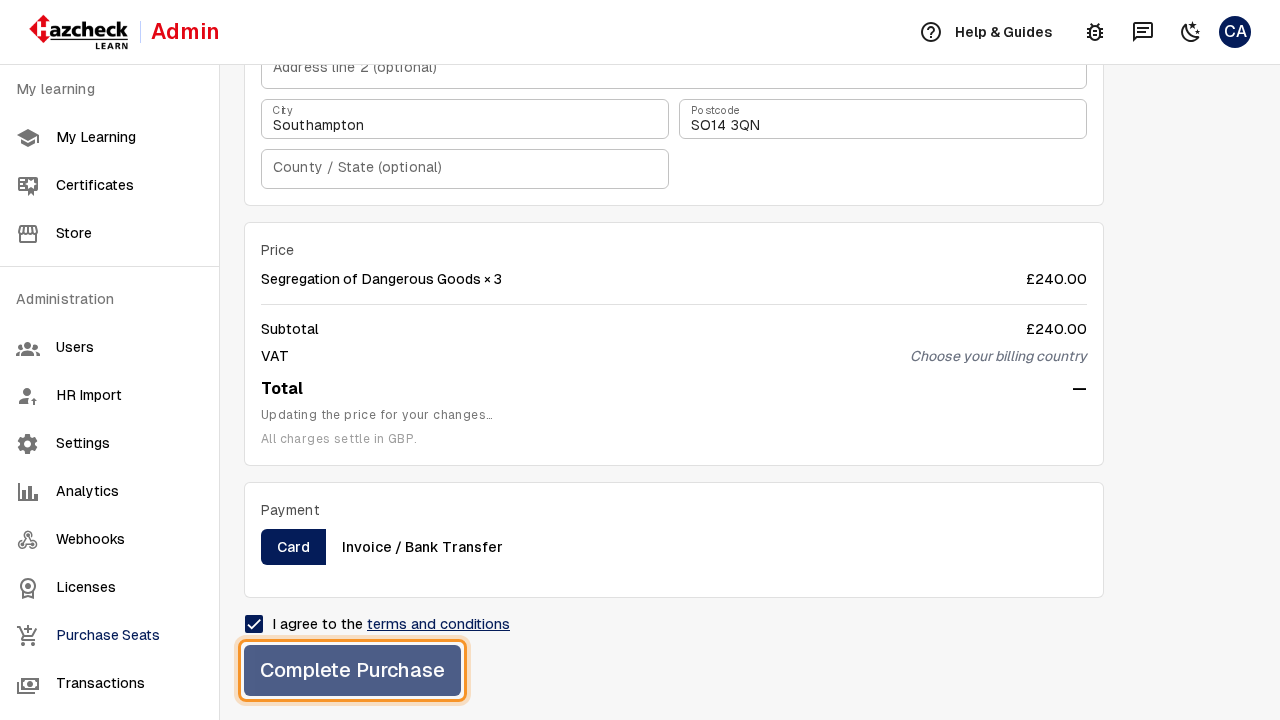
Choose the billing country first (type the first letters of its name to find it): UK buyers pay 20% VAT, shown in the price. If your organisation has bought before, its name and address are filled in for you; the country is always yours to choose. Then choose Card, or Invoice / bank transfer to be sent an invoice, check the billing address and tick to agree to the terms and conditions, and select Complete purchase.
-
Step 3: Seats added to your pool
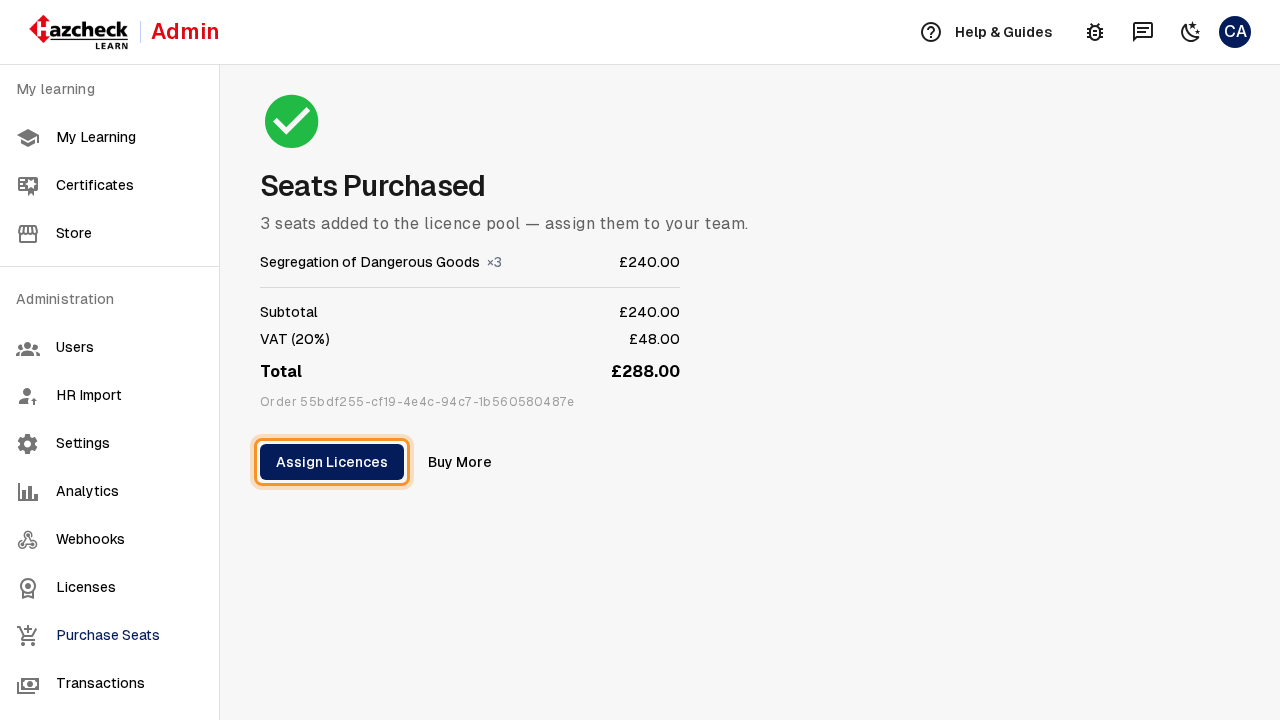
The seats are in your licence pool straight away. Select Assign licences to give them out.