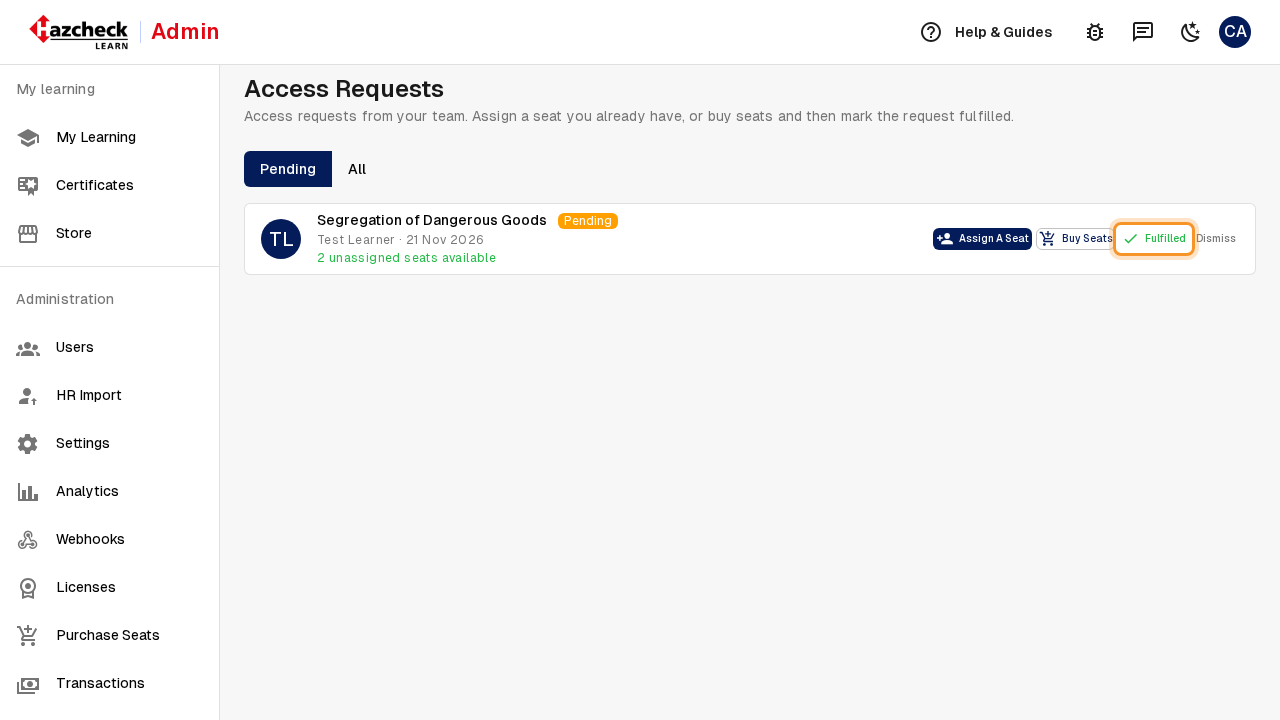
Answer a course request
When someone asks for a course, give them a seat from your pool, then mark the request fulfilled.
-
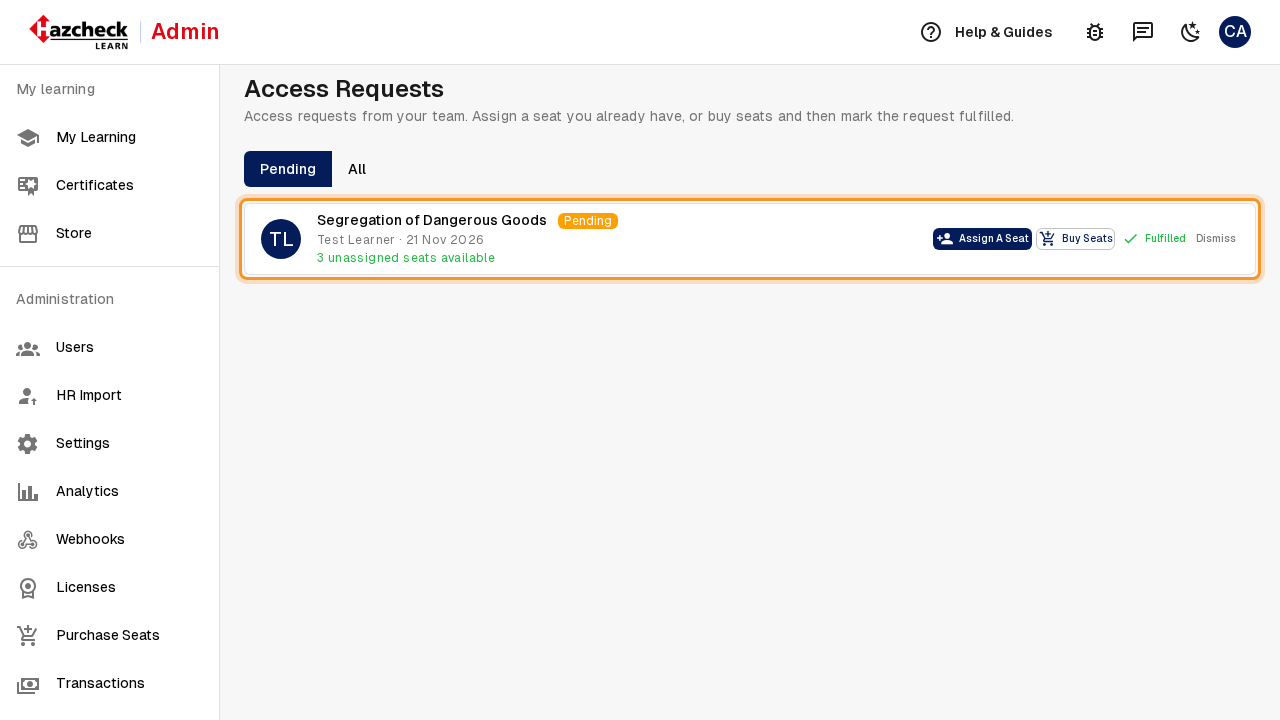
Step 1: See who is asking
Requests lists what your team has asked for. If you have no seats left, Buy seats takes you to Purchase Seats.
-
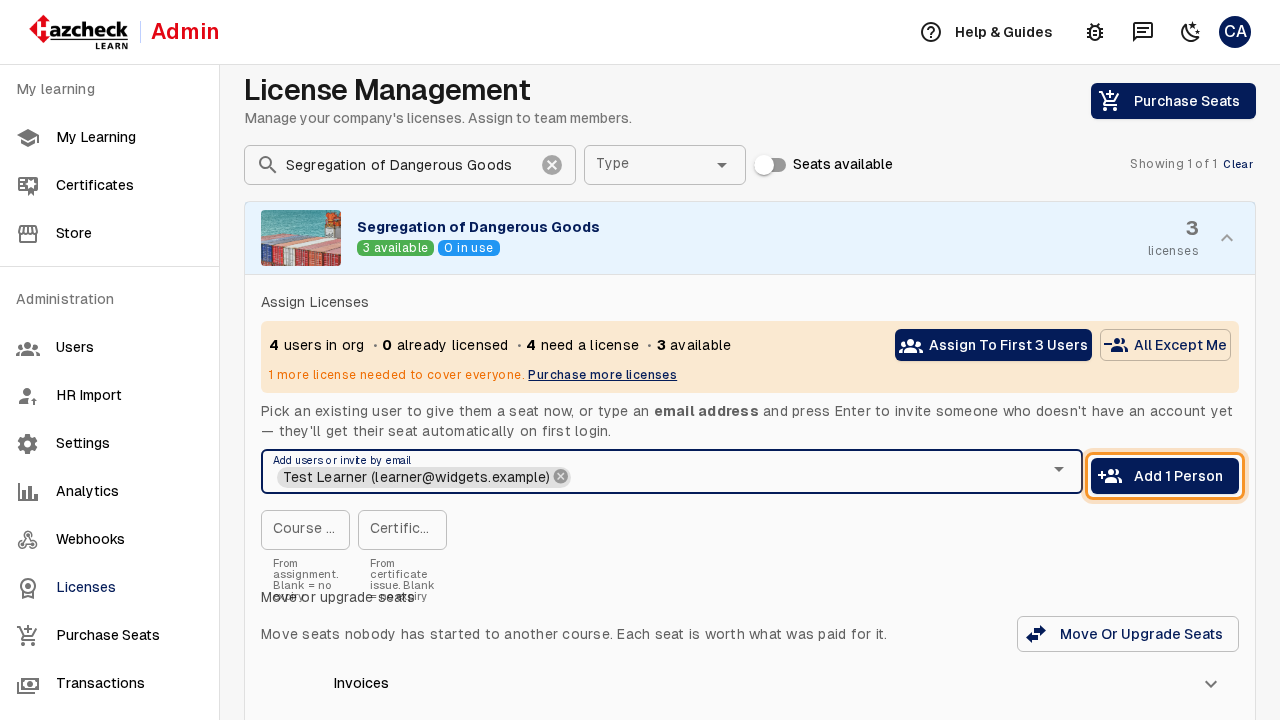
Step 2: Give them a seat
In Licenses, find the course with the search box and select it. Pick the person in Add users or invite by email, then select Add 1 person.
-
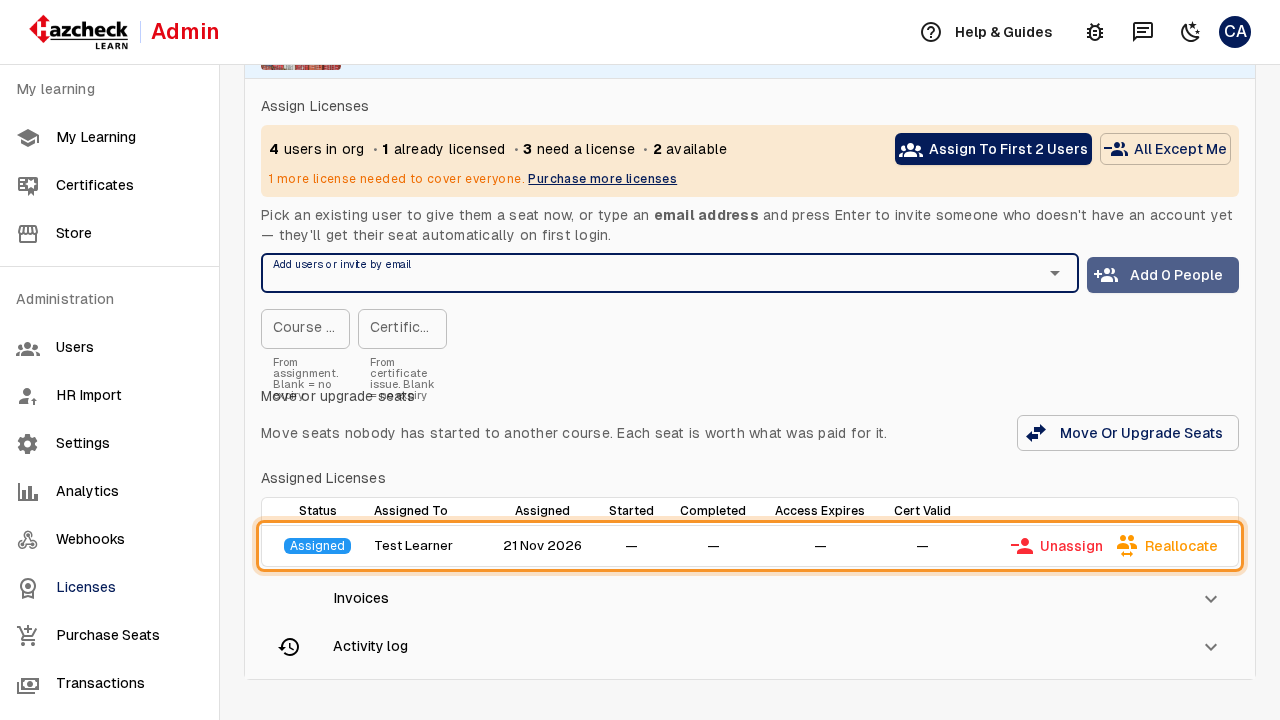
Step 3: Check the seat is theirs
They appear under Assigned Licenses, and the course is waiting in their My Learning.
-
Step 4: Close the request
Back in Requests, select Fulfilled. The learner is emailed to say their request was approved.