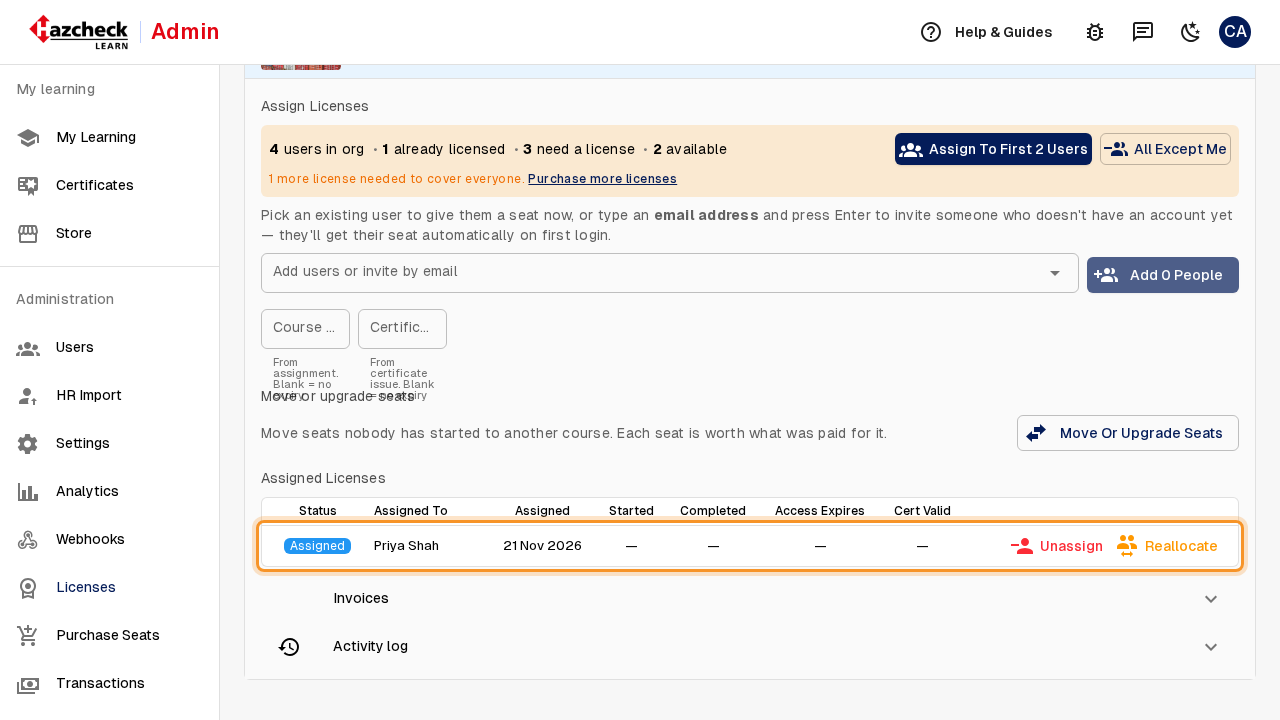
Pass a seat to someone else
Move a seat from one person to another, for example when someone leaves. It only works while the course hasn't been started.
-
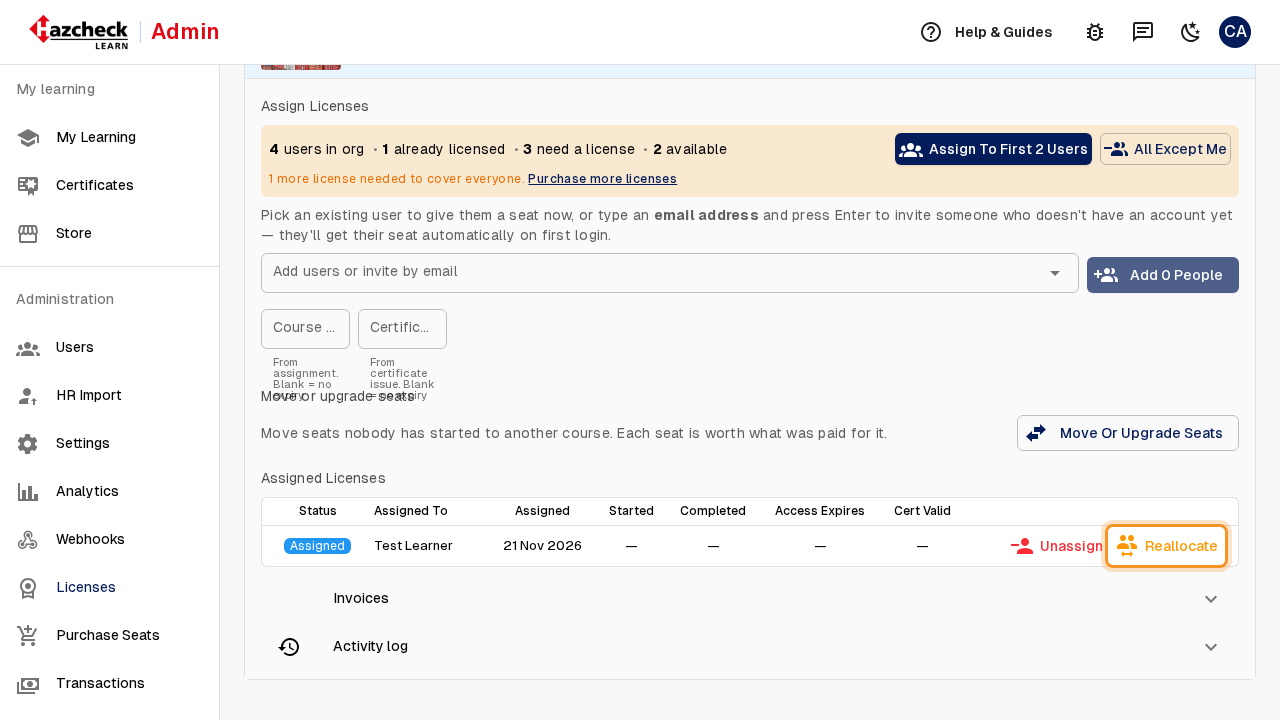
Step 1: Find the seat
In Licenses, open the course and find the person under Assigned Licenses. Select Reallocate.
-
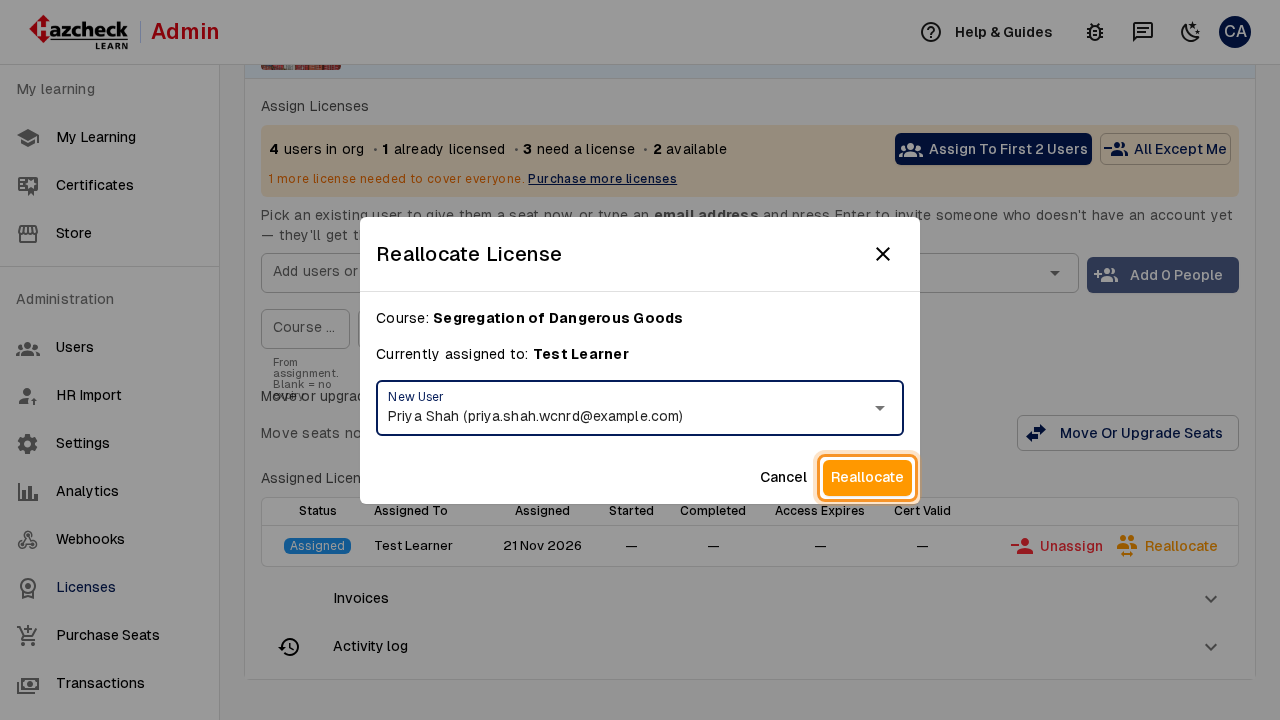
Step 2: Choose who gets it
Pick the person the seat should go to, then select Reallocate.
-
Step 3: The seat has moved
The seat now shows against its new holder, and the course has moved to their My Learning.