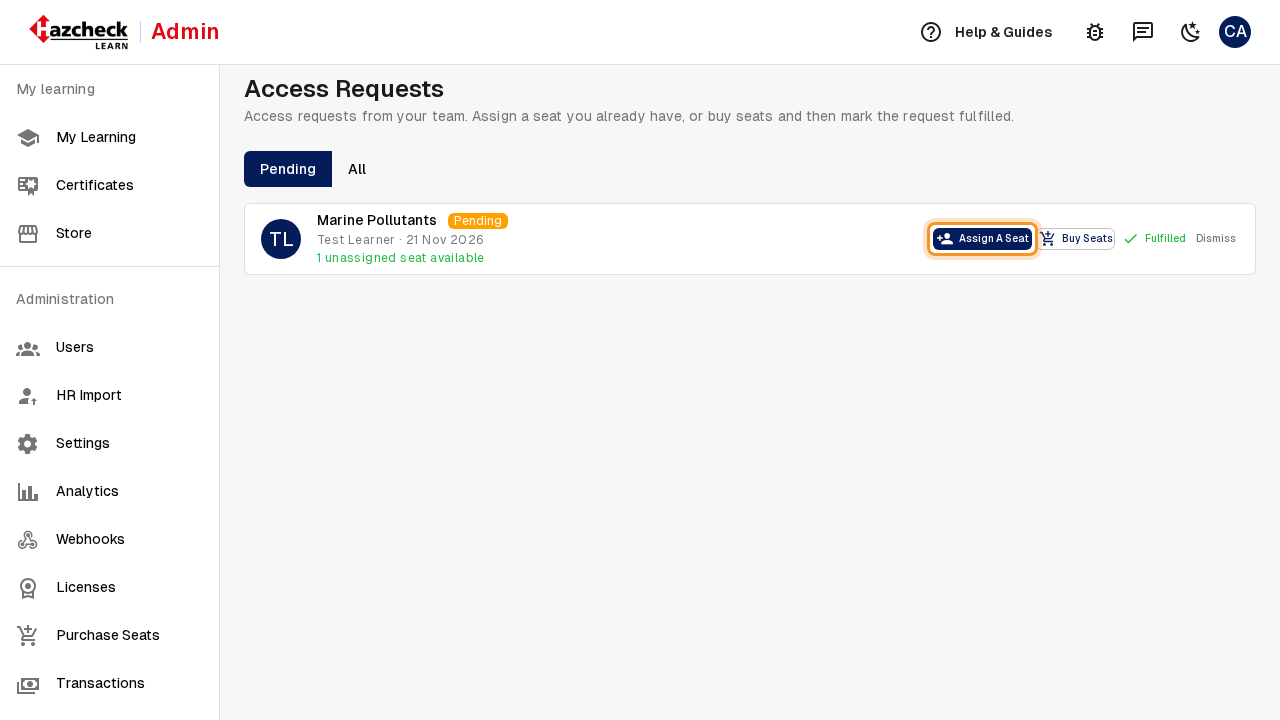
Answer a request with a seat you already have
When someone asks for a course and you have a free seat on it, give them the seat straight from the request.
-
Step 1: Assign a seat
Access requests shows when you have a free seat for what was asked. Select Assign a seat.