Buy seats from the store
Find a course in the store, add it to your cart and send the seats straight to your company's licences.
-
Step 1: Add the course to your cart
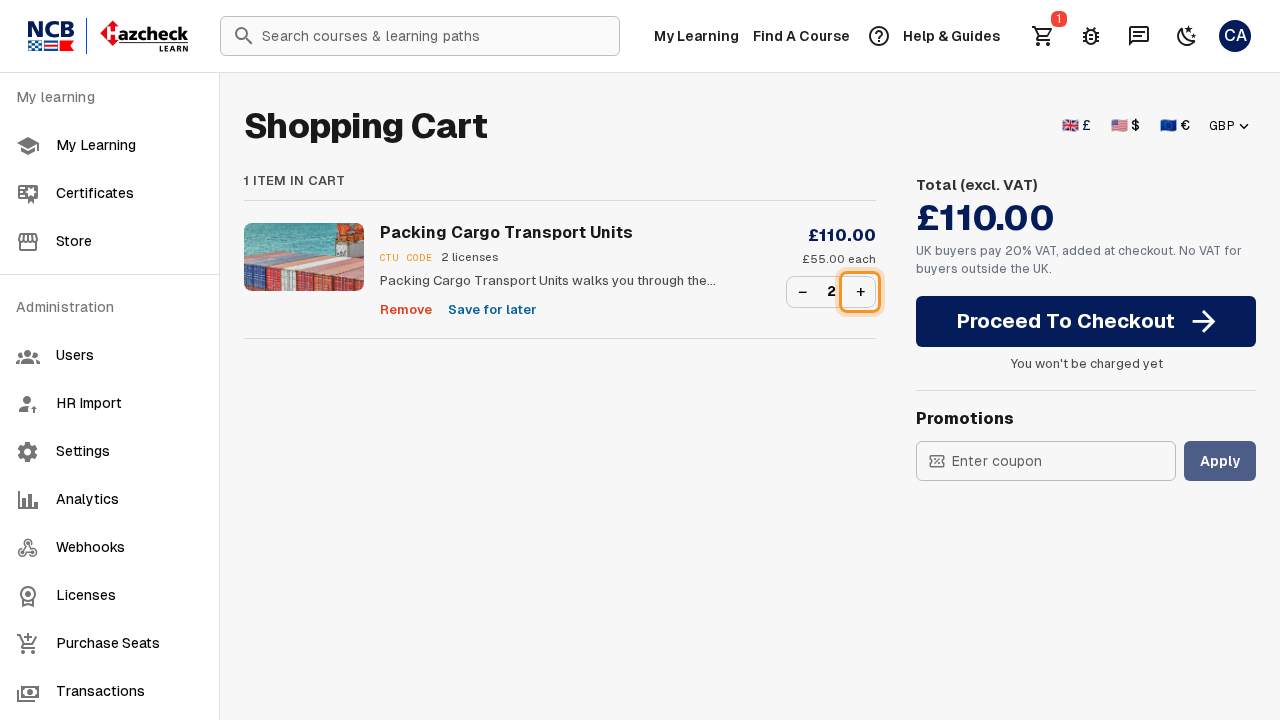
Open the course in the store and select Add to cart, then set how many seats you need. You can still buy from Purchase Seats in the admin portal if you prefer.
-
Step 2: Send the seats to your company
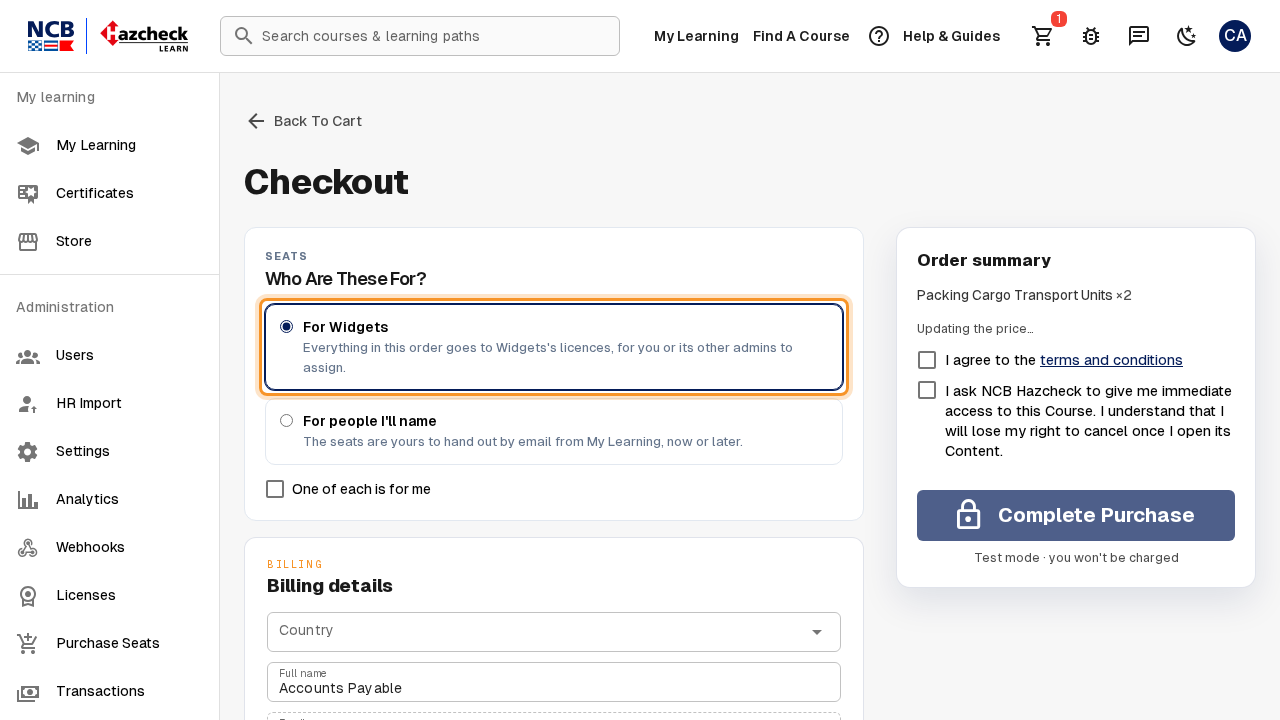
Checkout offers your company first: everything in the order goes to its licences, for you or its other administrators to assign.