Assign seats when your organisation has unlimited seats
When Hazcheck has given your organisation unlimited seats on a course, you never run out: give the course to as many people as you need, without buying seats.
-
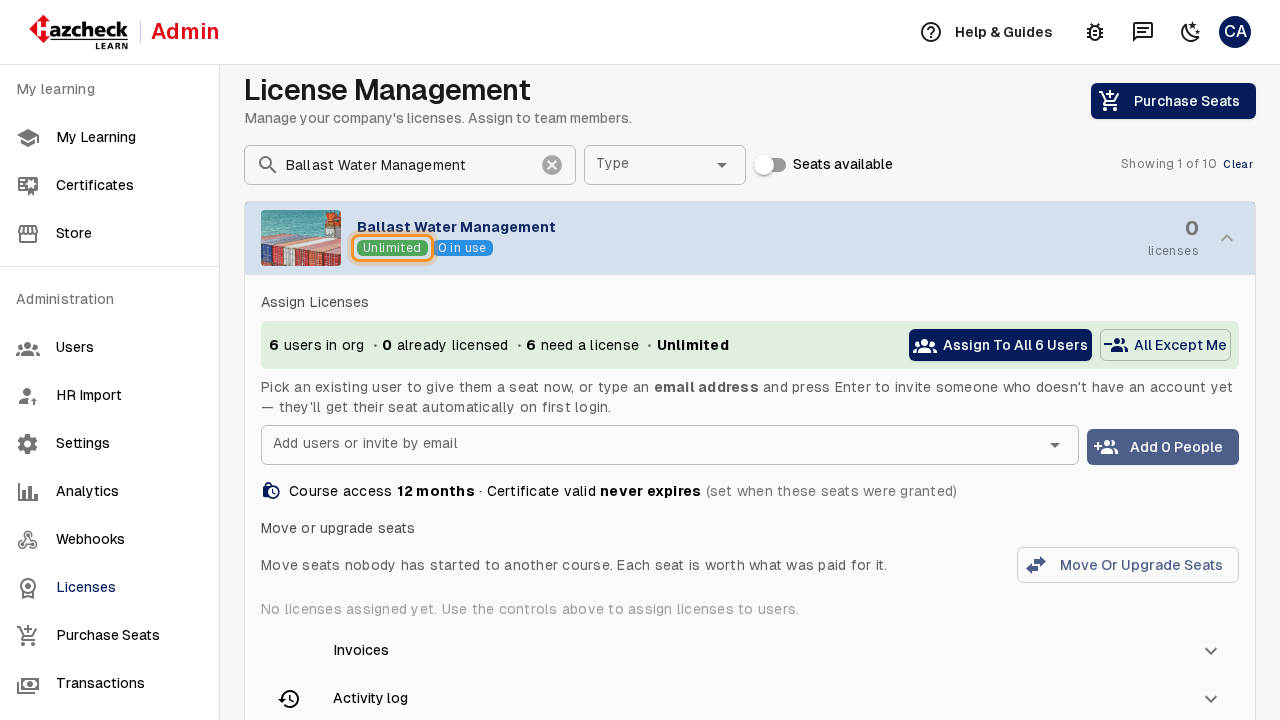
Step 1: Find the course
Open Licenses and find the course with the search box. Unlimited, in place of the number of seats available, means your organisation never runs out of seats on it. Select the course to give it to people.
-
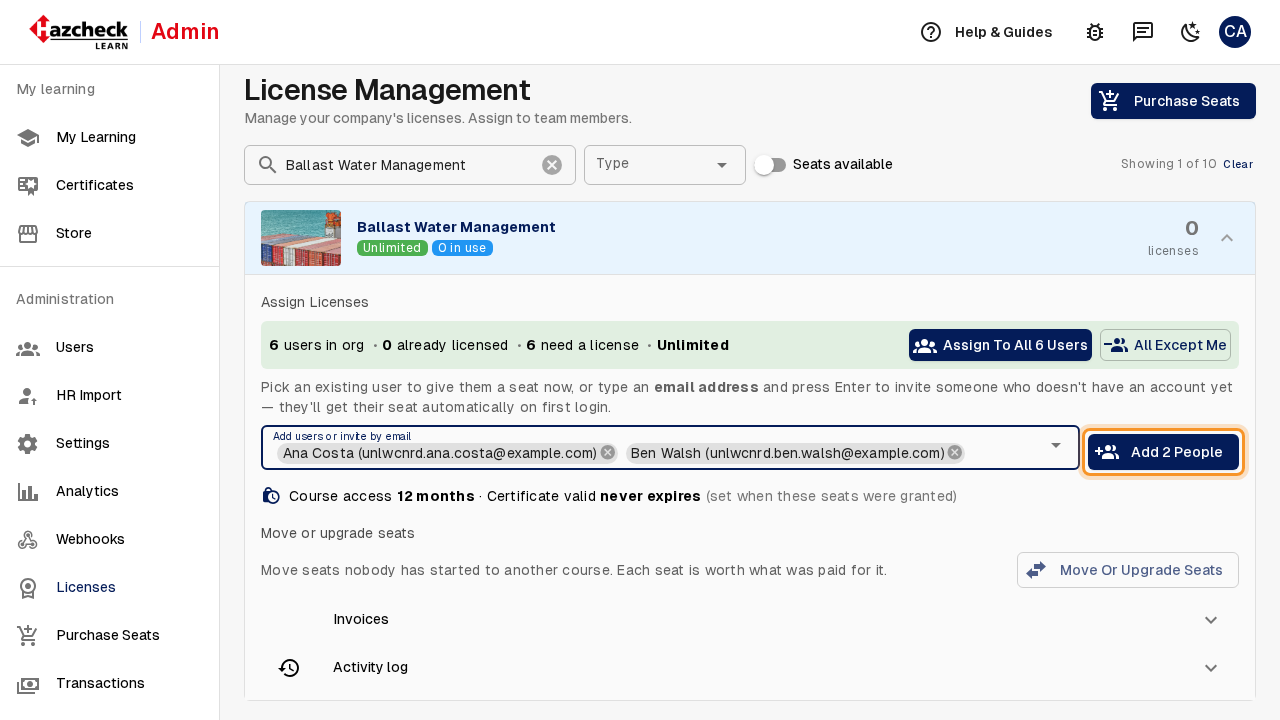
Step 2: Pick the people
In Add users or invite by email, search for each person by name or email address and select them, then select Add. Pick as many people as you need: a seat is made for each of them. To invite someone who has no account yet, type their email address and press Enter.
-
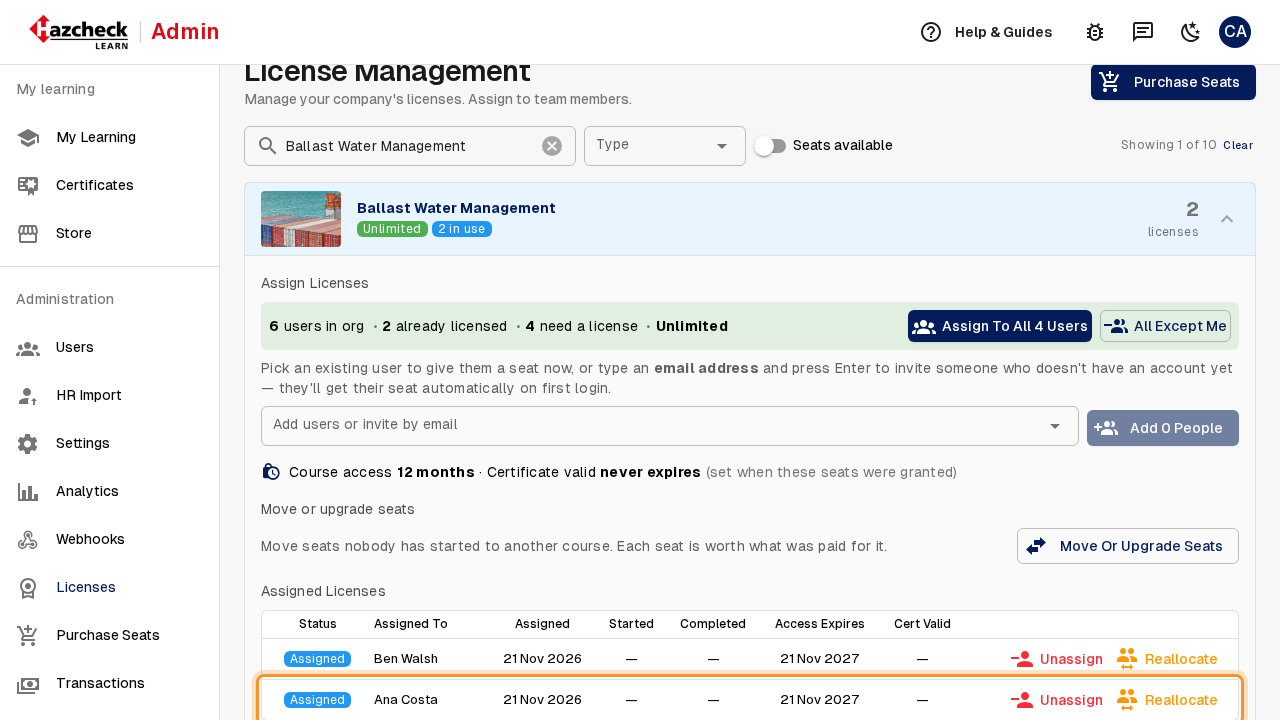
Step 3: Check the seats are theirs
Each person appears under Assigned Licenses with their own seat, and the course is waiting in their My Learning. How long their access lasts was set when the unlimited seats were granted.