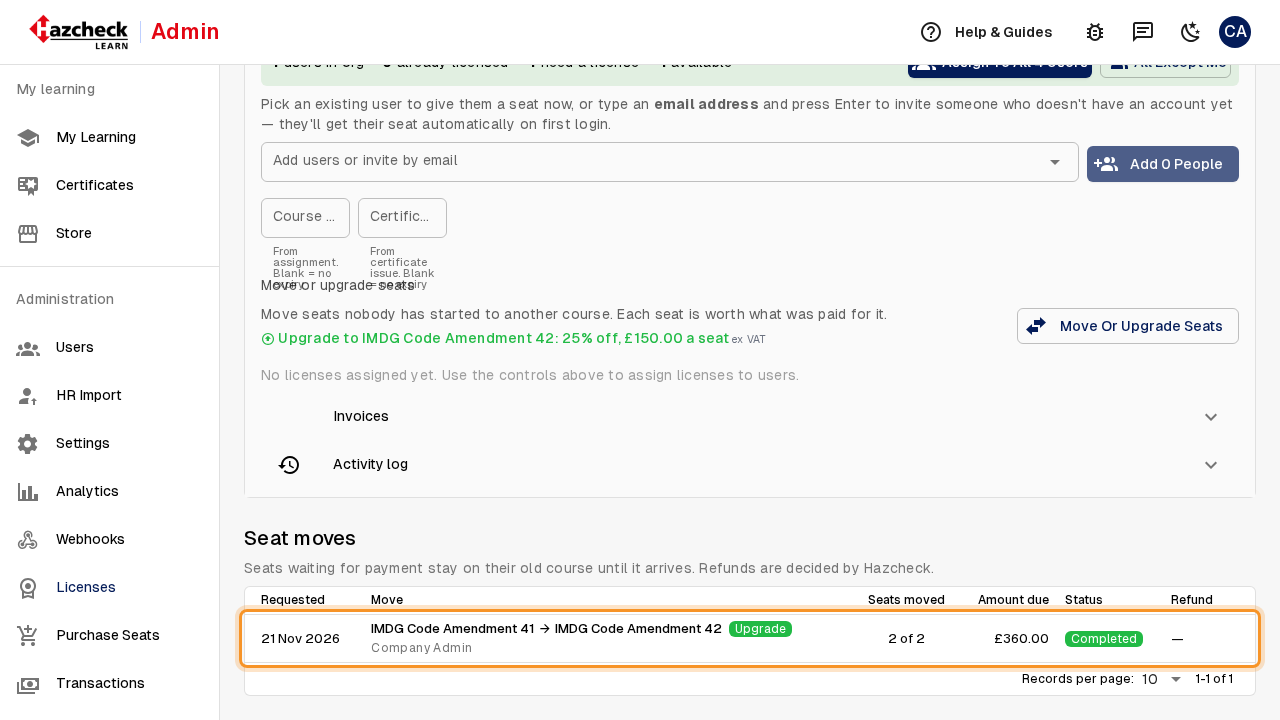
Upgrade seats to a new course
When Hazcheck offers an upgrade, move seats nobody has started to the new course at the upgrade price.
-
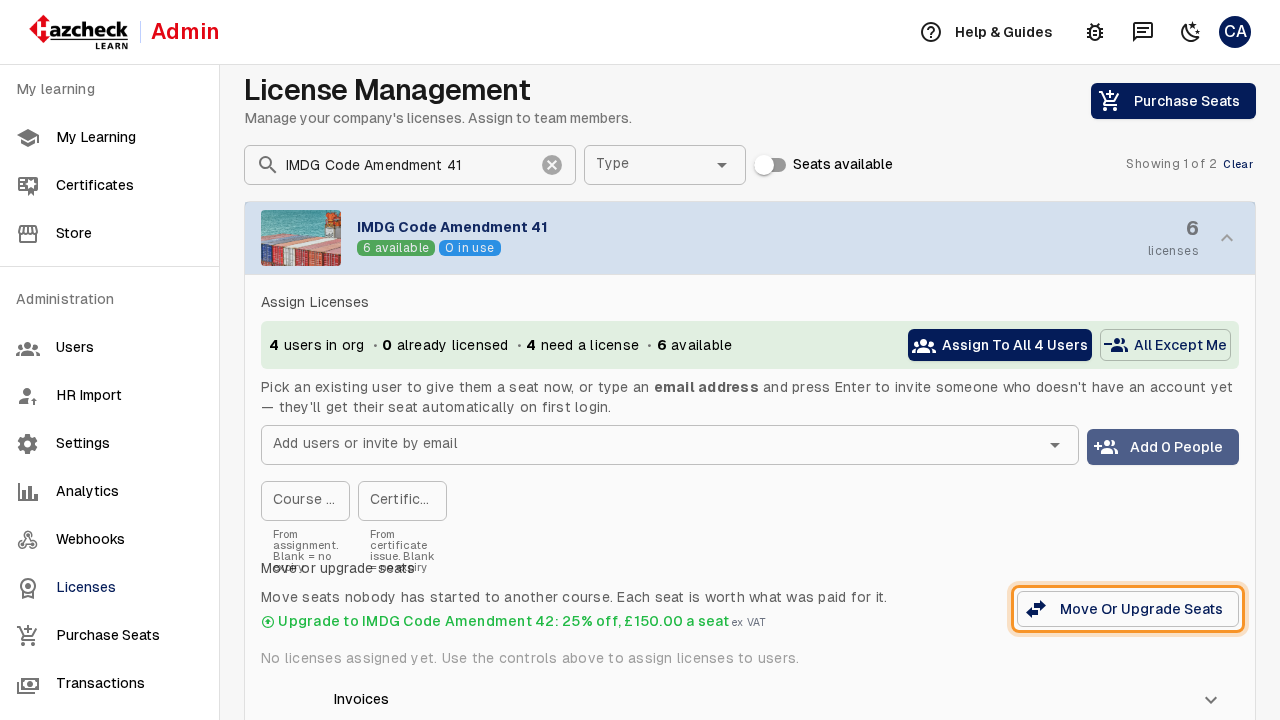
Step 1: Open the seats
In Licenses, open the course. Any upgrade on offer is shown under Move or upgrade seats. Select Move or upgrade seats.
-
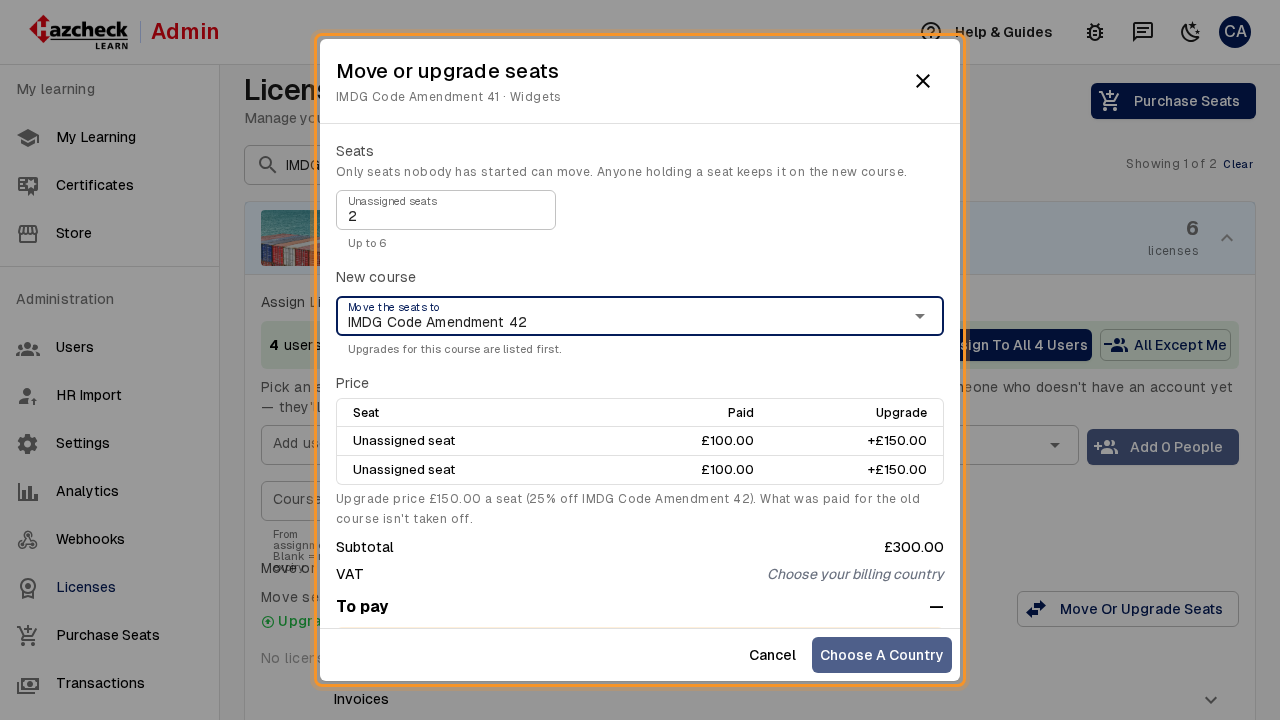
Step 2: Choose the seats and the new course
Enter how many unassigned seats to move and tick anyone whose seat should go too, then choose the new course. Upgrades are listed first. The price shows what each seat costs. VAT is added once you choose the billing country.
-
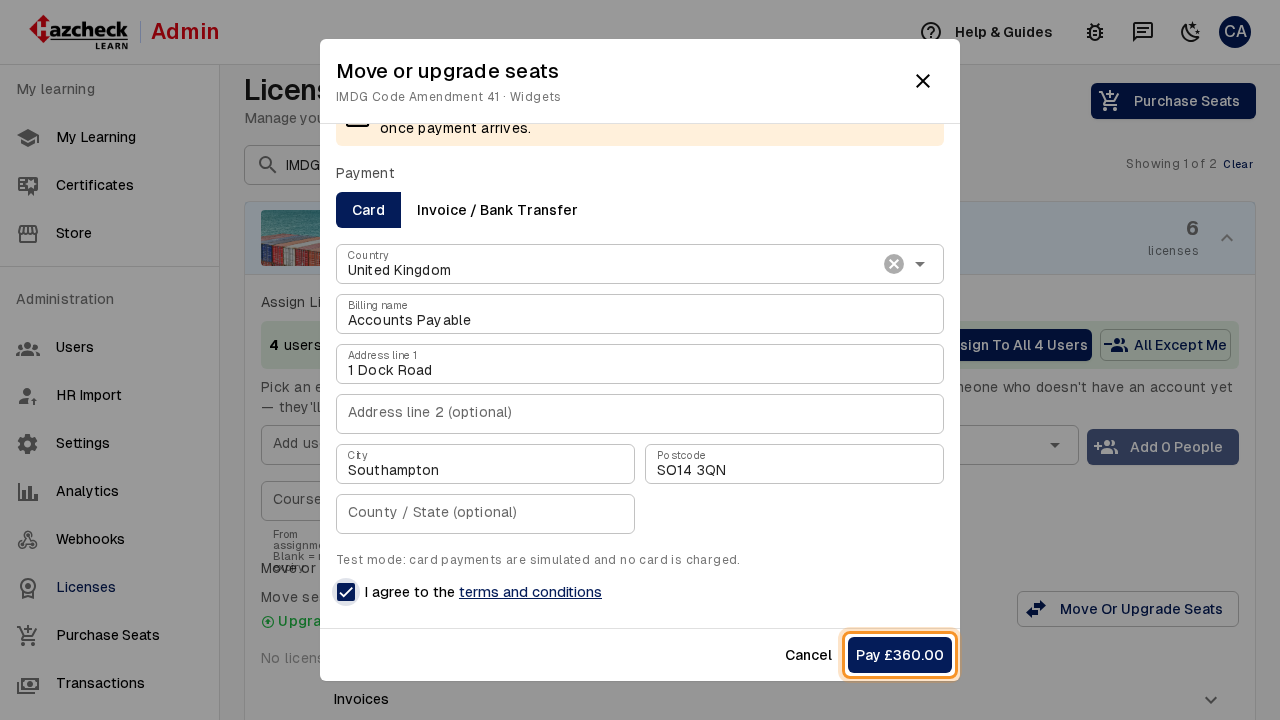
Step 3: Pay for the upgrade
Choose the billing country first: type the first letters of its name to find it. It decides the VAT, and UK buyers pay 20%, shown in the price. If your organisation has bought before, its name and address are filled in for you: check them. Then pay by card, or choose Invoice / bank transfer, and tick to agree to the terms and conditions. The seats stay on the old course until the payment arrives.
-
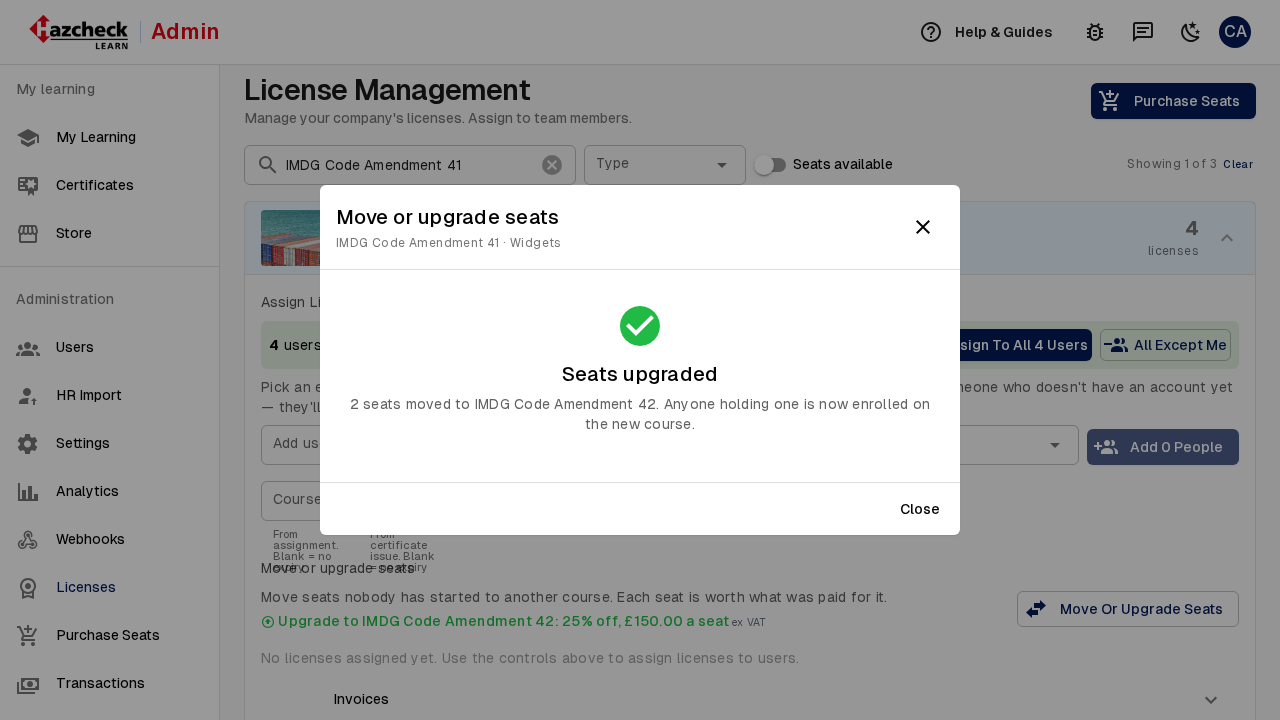
Step 4: Seats upgraded
The seats are now on the new course. Anyone holding one is enrolled on it.
-
Step 5: Keep track of moves
Seat moves, below your pools, lists every move and upgrade with what it cost and where it stands.