Ask your administrator for a course
If your organisation provides your training, you ask your administrator for a course rather than buying it.
-
Step 1: Request the course
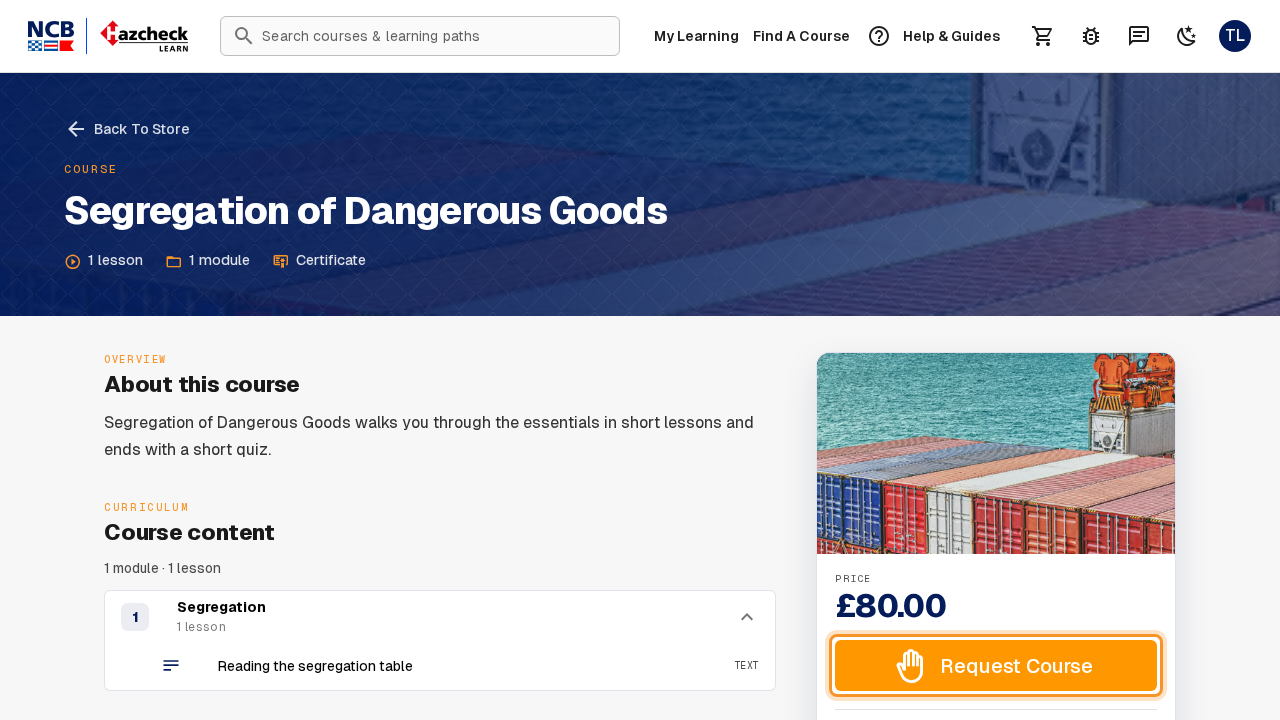
Find the course in the store and select Request course. Your administrator is told straight away.
-
Step 2: Wait to hear back
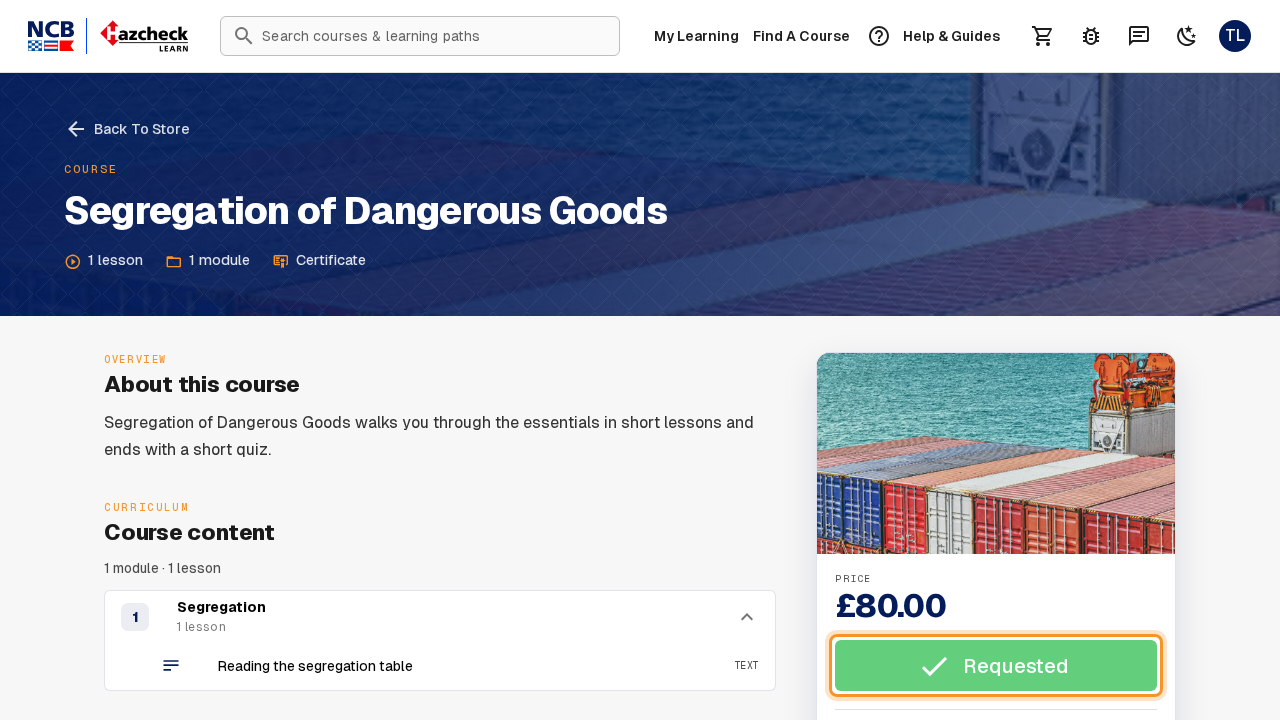
The button now shows Requested. You'll get an email when your administrator has dealt with it, and the course appears in My Learning.