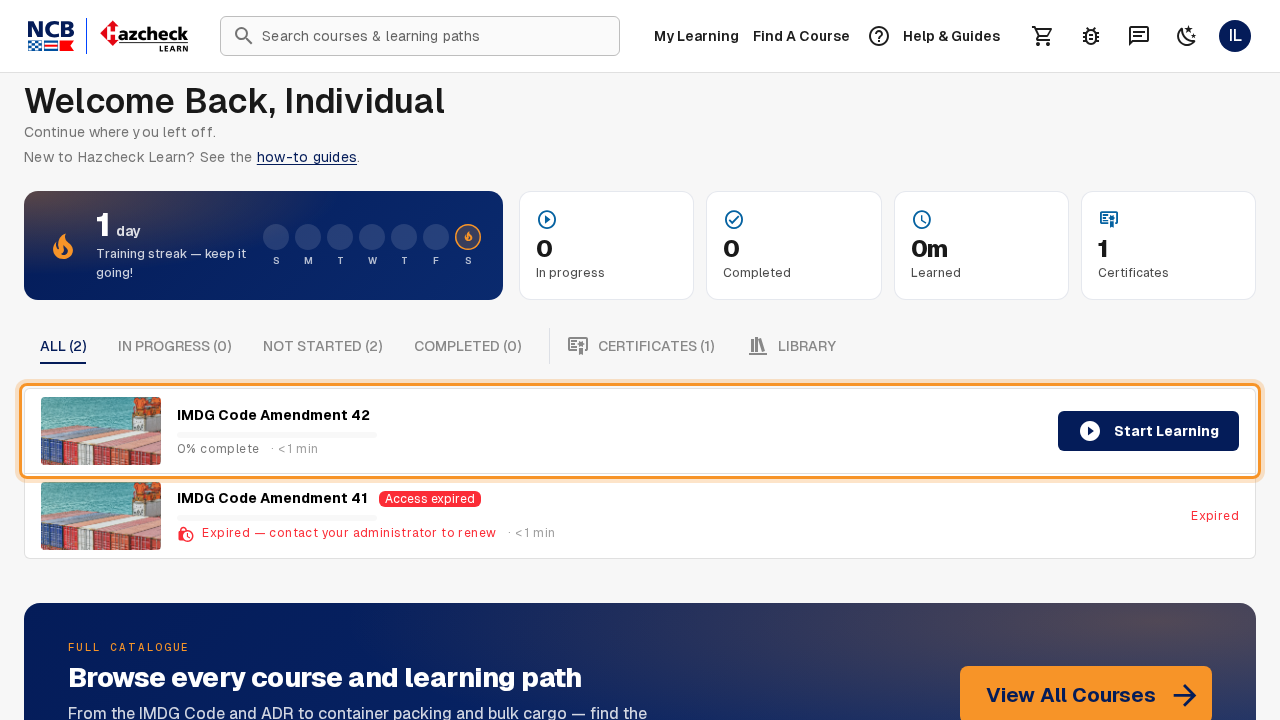
Upgrade to a new version of your course
When a course you bought is replaced, you may be offered the new one at a discount.
-
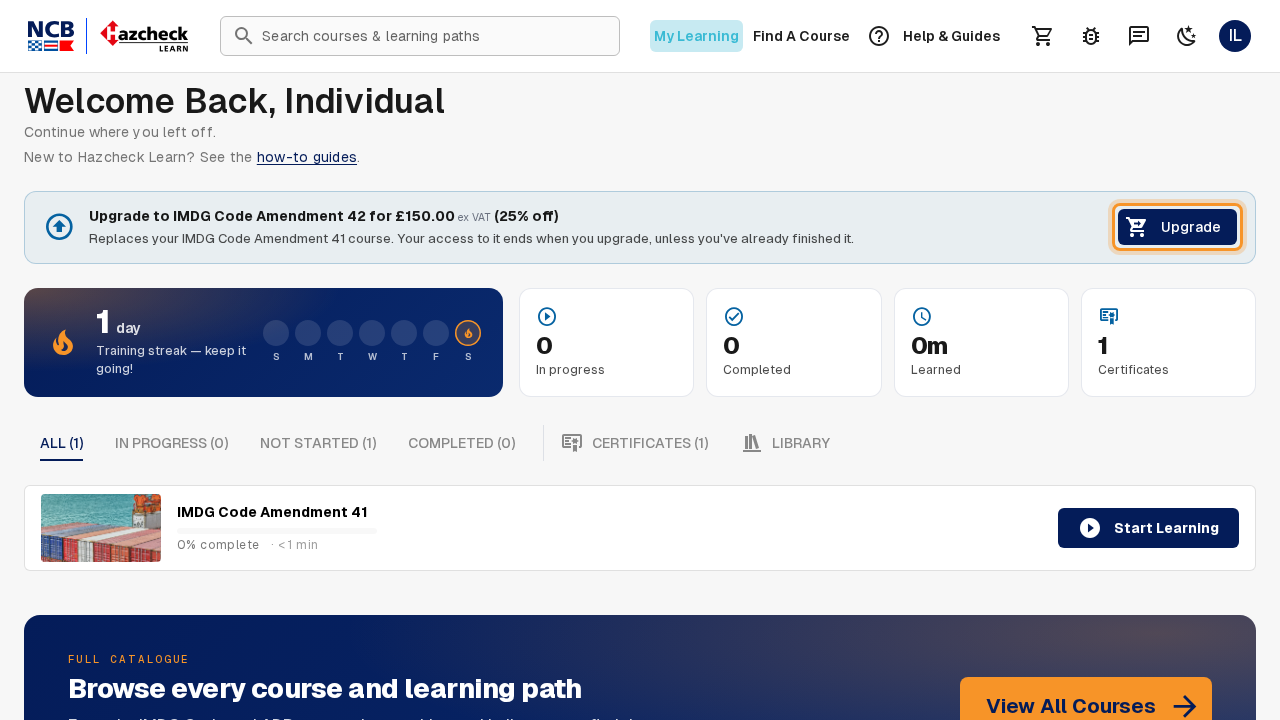
Step 1: See the offer
Upgrade offers appear at the top of My Learning. Upgrading replaces your old course: you lose access to it unless you've already finished it. Select Upgrade.
-
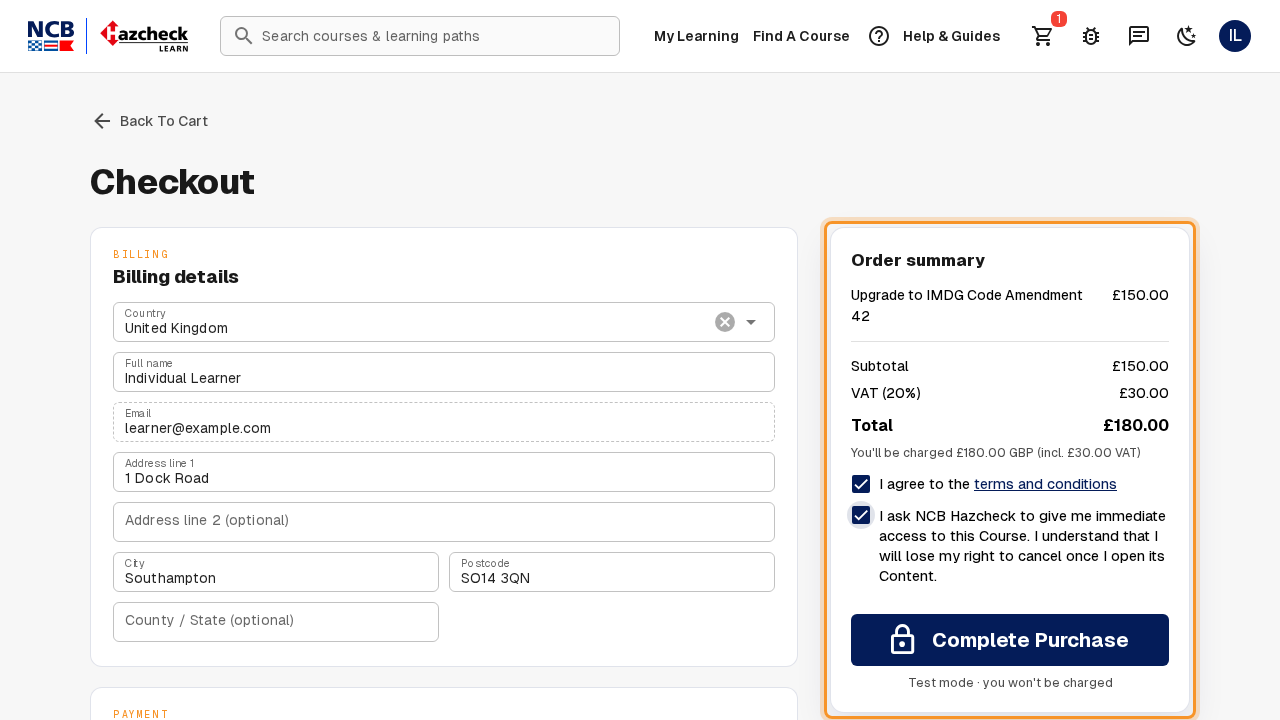
Step 2: Pay for the upgrade
The upgrade is in your order at its discounted price. Choose your country first: UK buyers pay 20% VAT, shown in the order summary. Then enter your billing address and pay as usual.
-
Step 3: Start the new course
The new course is in My Learning, ready to start.