Buy and read a publication
Publications are PDFs you read in your browser. Your copy is stamped with your name.
-
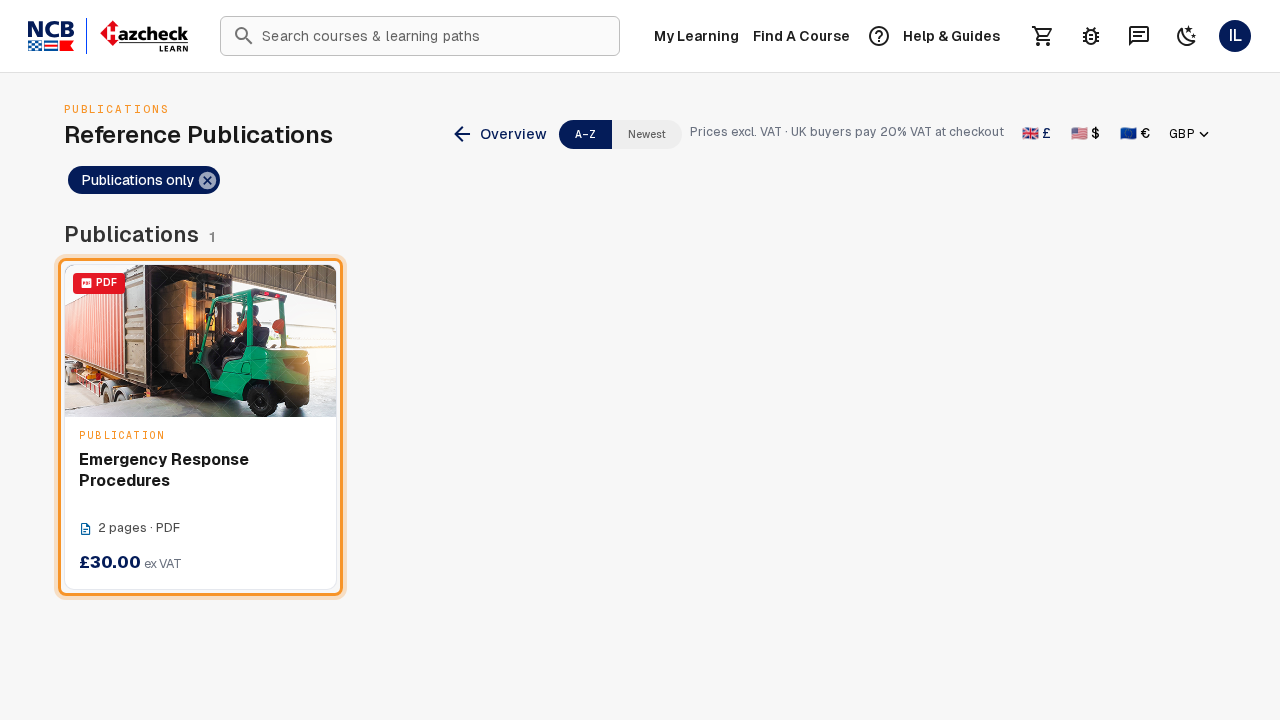
Step 1: Find the publication
Publications are in the store, under Reference publications. Select one to see what it covers.
-
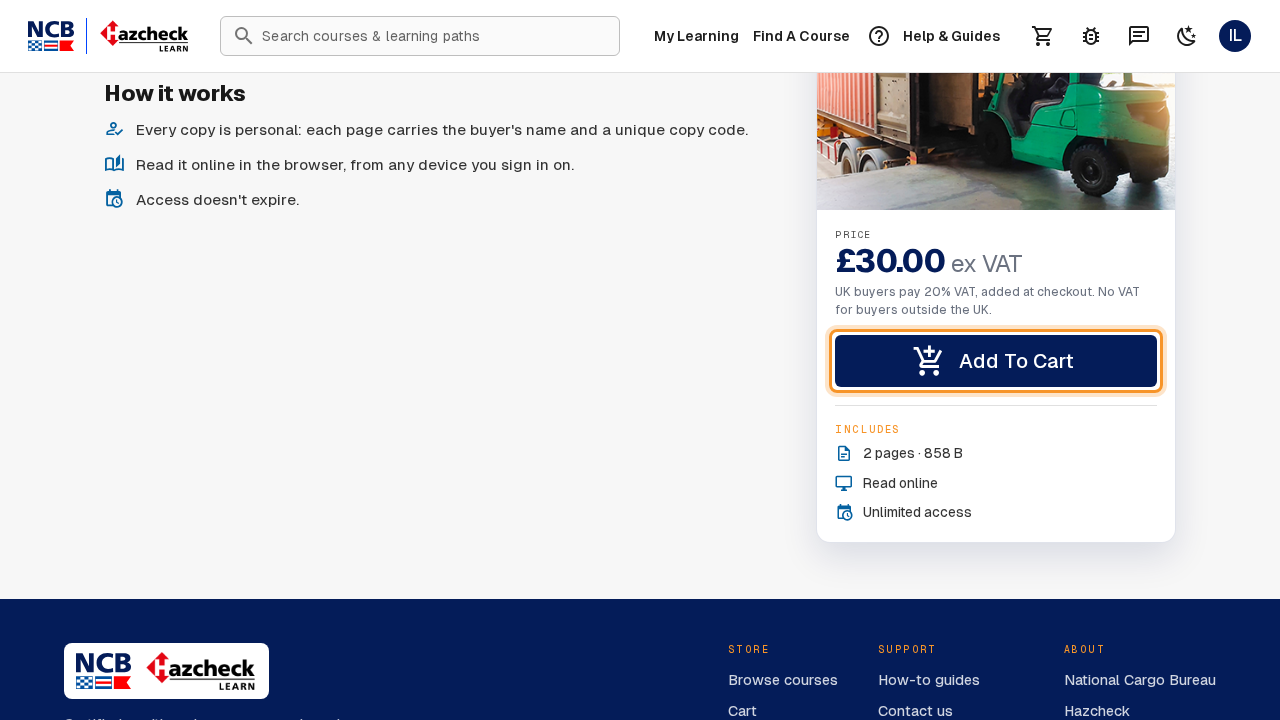
Step 2: Add it to your cart
The page shows the number of pages and how long you can read it for. Select Add to cart.
-
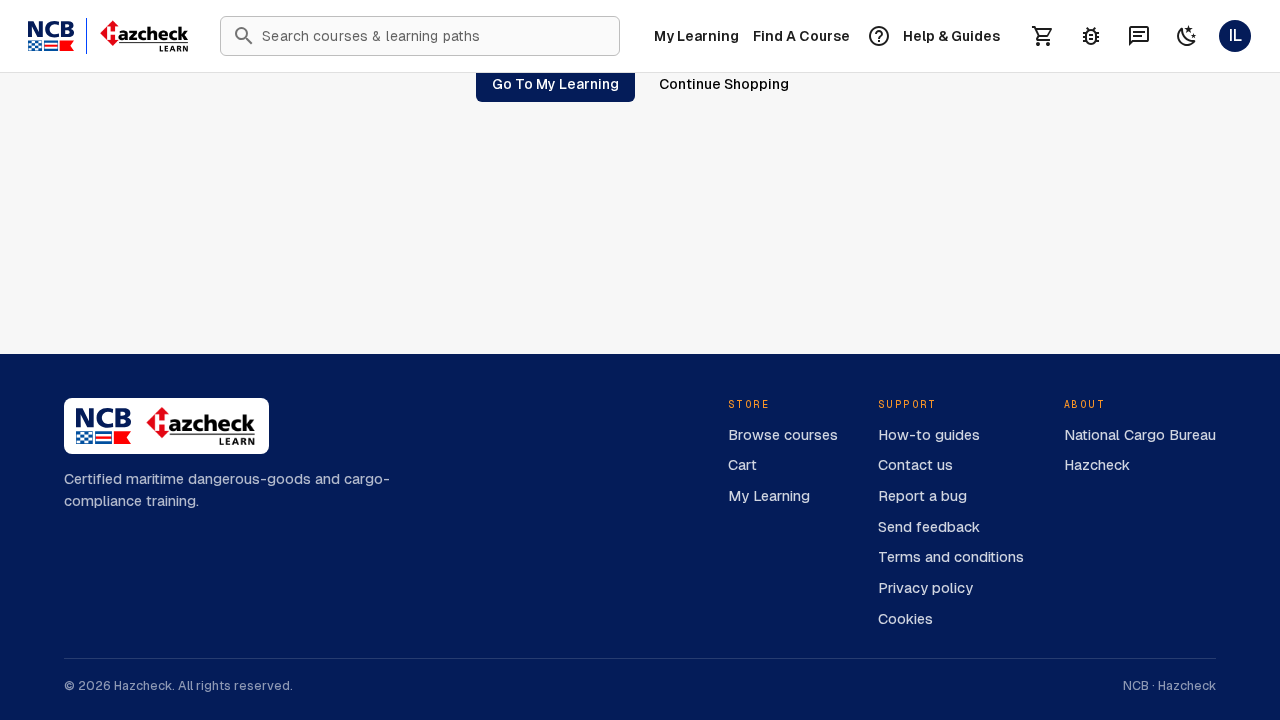
Step 3: Pay
Check out as you would for a course. Once paid, the publication is in the Library on My Learning.
-
Step 4: Open it from your Library
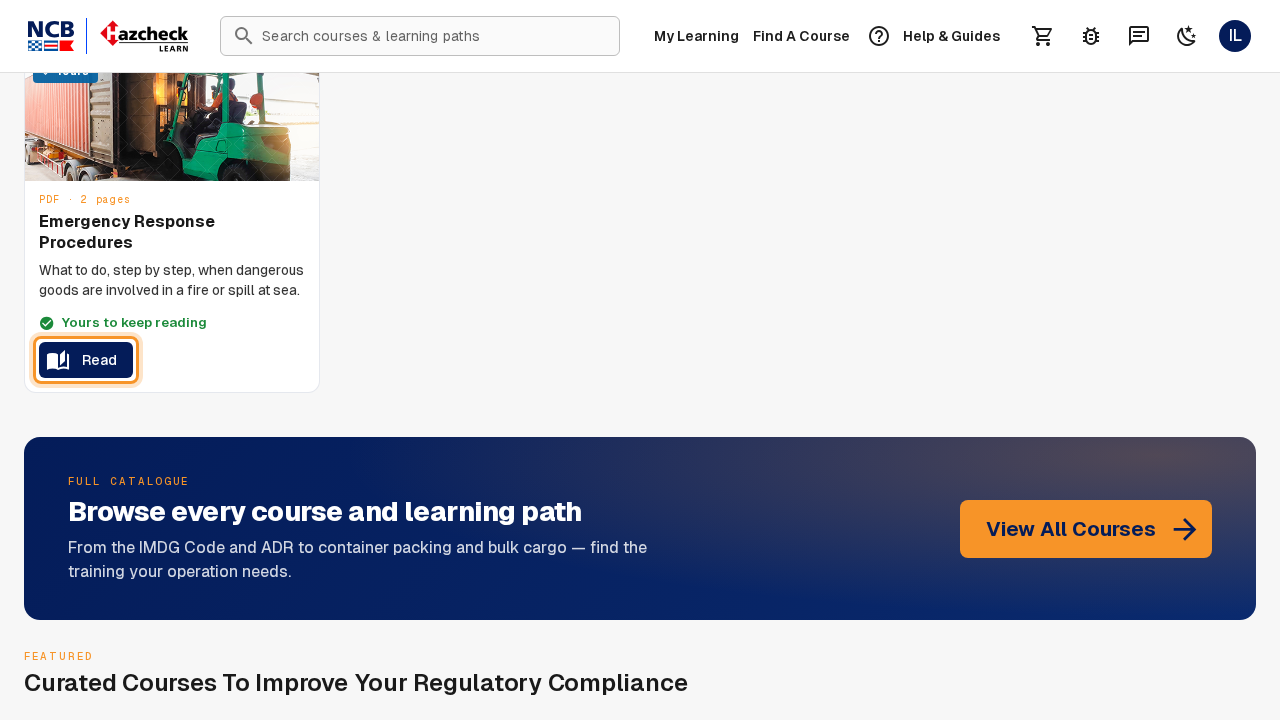
Your publications are in the Library on My Learning. Select Read.
-
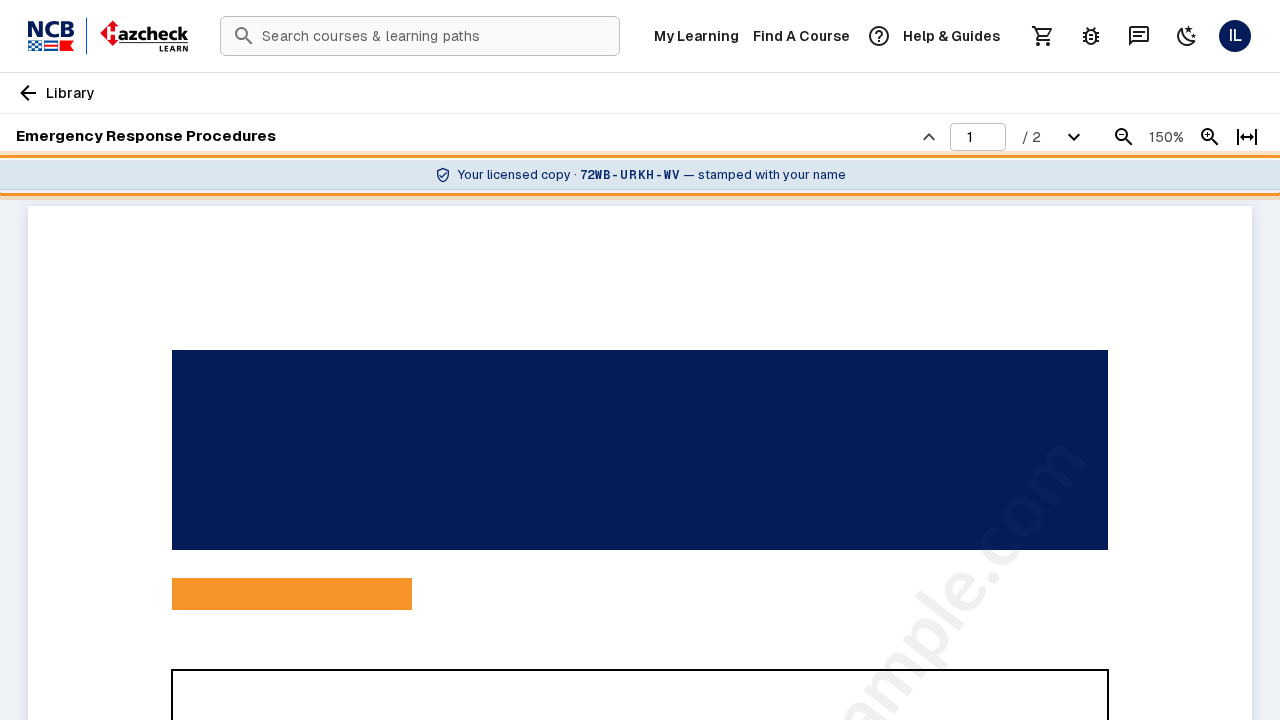
Step 5: Read your copy
The reader opens in your browser. Use the arrows to turn pages and the buttons to zoom. Your copy is stamped with your name and a copy code, shown at the top.