Book a place on a webinar
Buy a seat on a live webinar, then choose which of its sessions you will attend.
-
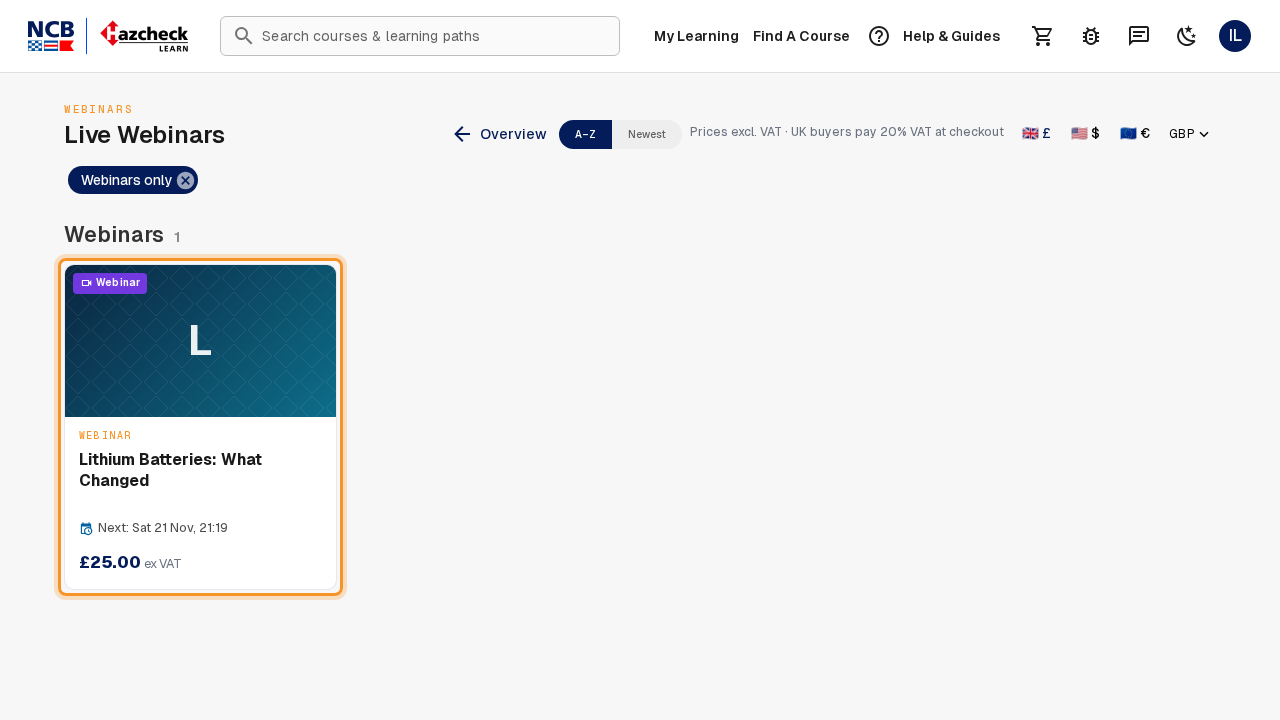
Step 1: Find the webinar
Webinars are in the store under Live webinars. Each card shows the next date. Select one.
-
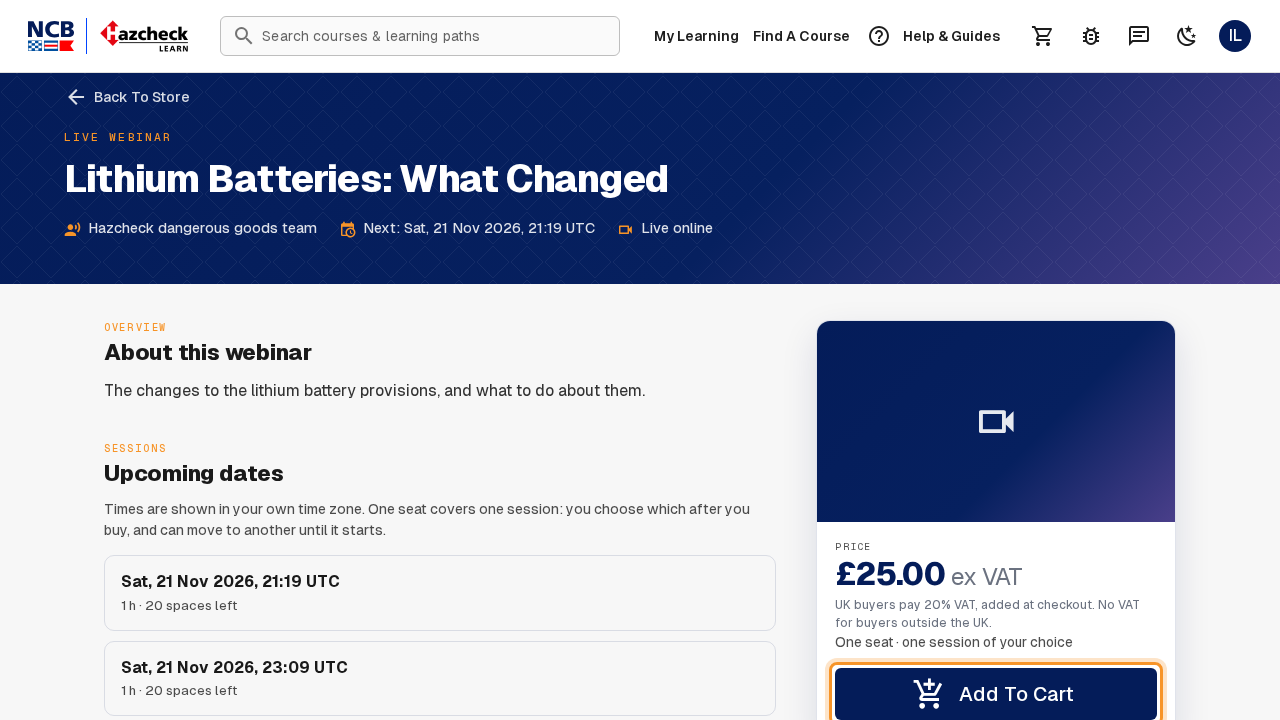
Step 2: Buy a seat
The page lists the upcoming dates. You choose yours after buying: select Add to cart and check out.
-
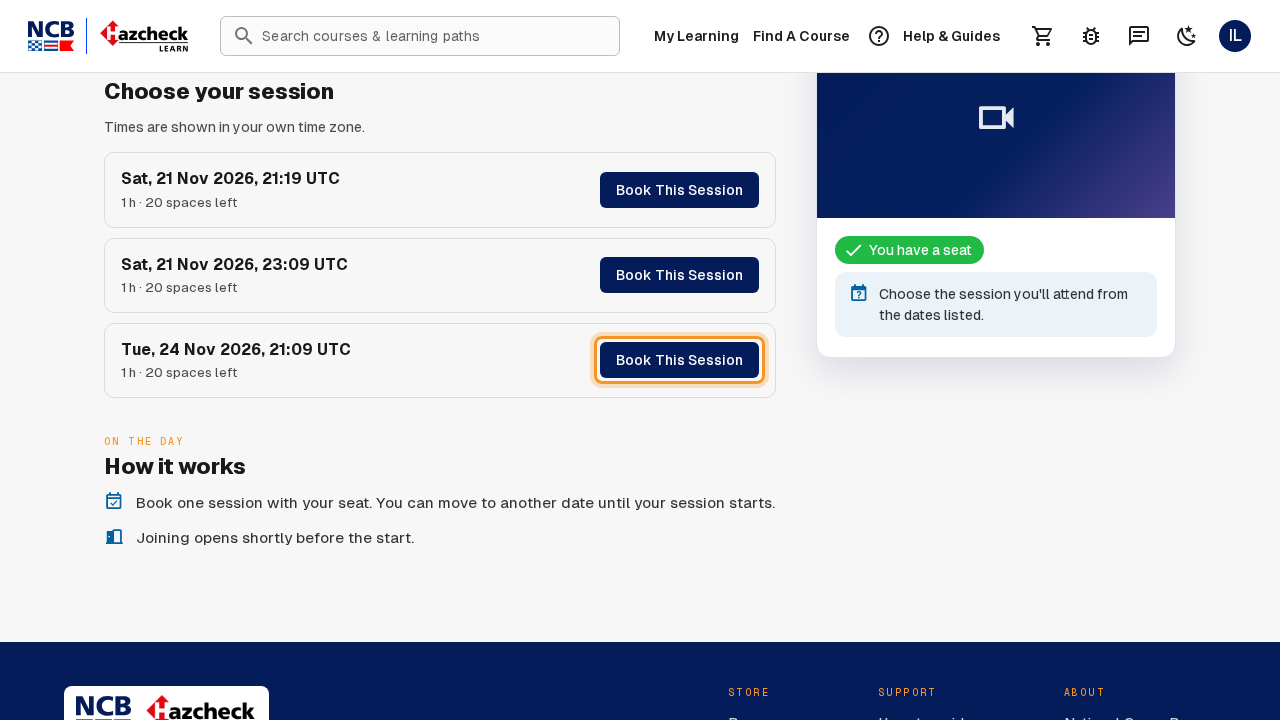
Step 3: Choose your session
With a seat, each date has a Book this session button. Select the one you will attend.