Change your webinar session and join it
Move your booking to another date until your session starts. On the day, join from My Learning.
-
Step 1: Find your booking
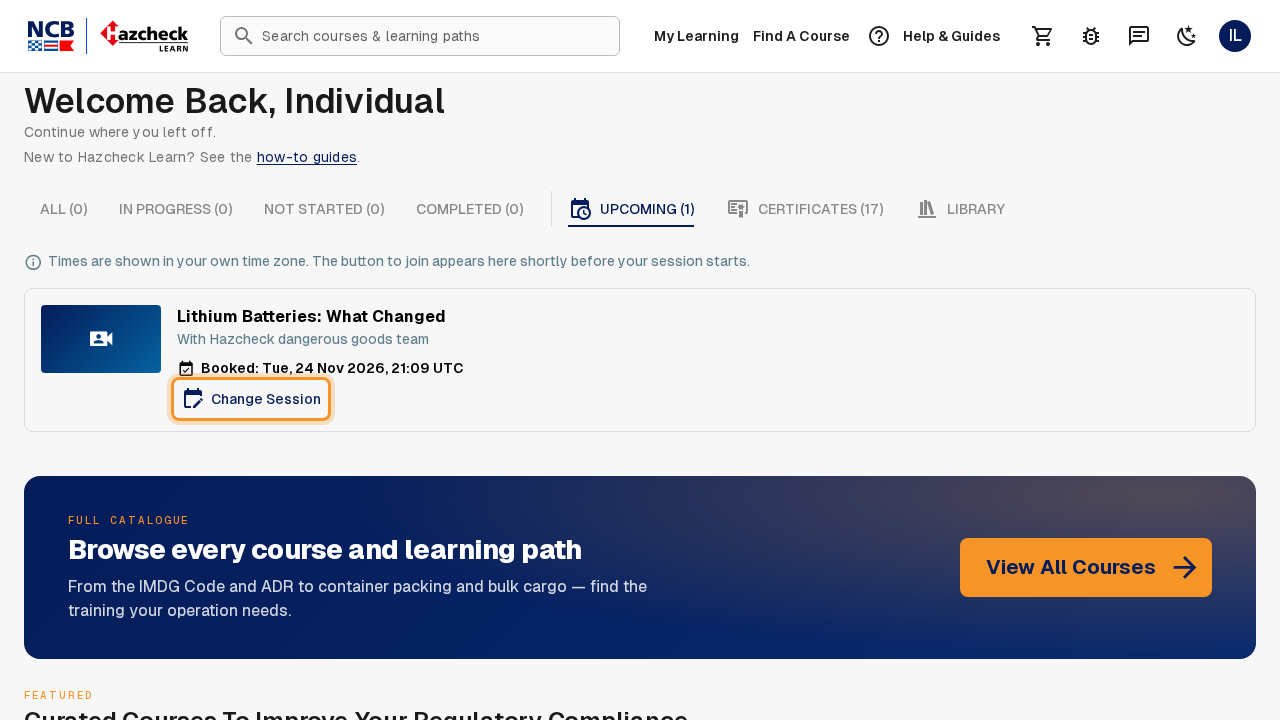
Your webinars are under Upcoming in My Learning, with the session you booked. To move it, select Change session.
-
Step 2: Before the doors open
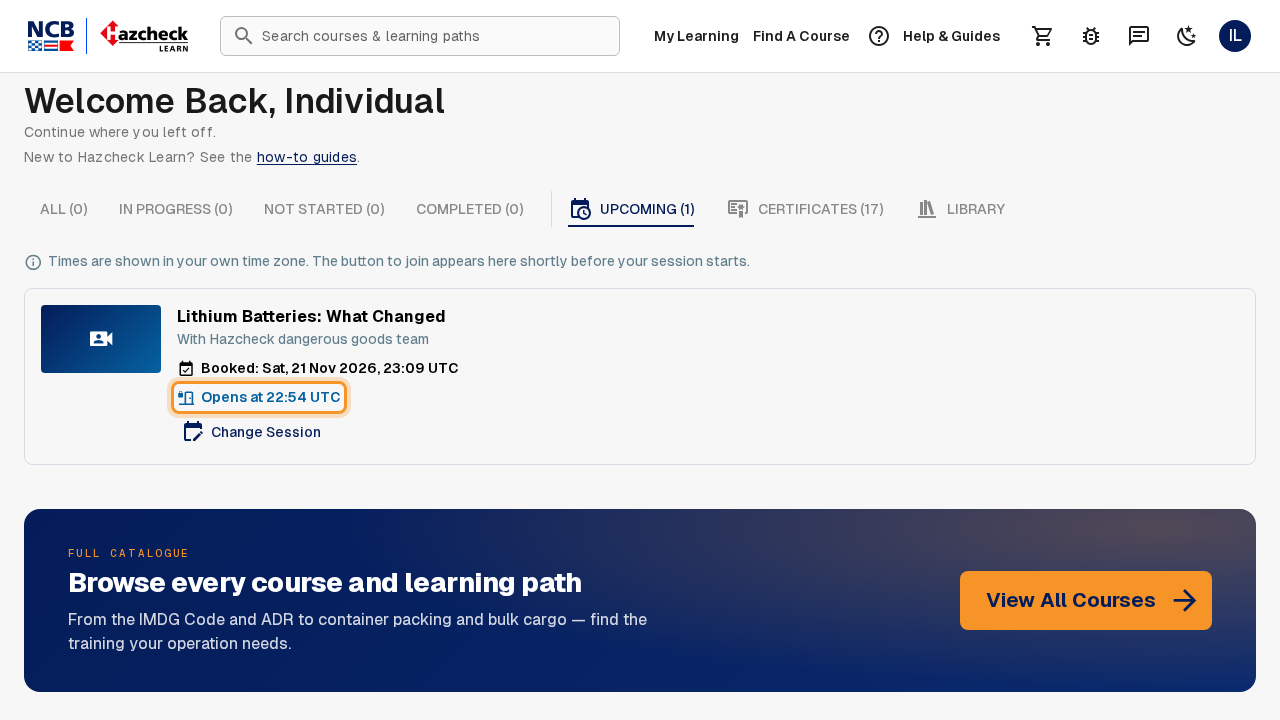
On the day, your booking shows when the room opens: fifteen minutes before the start.
-
Step 3: Join
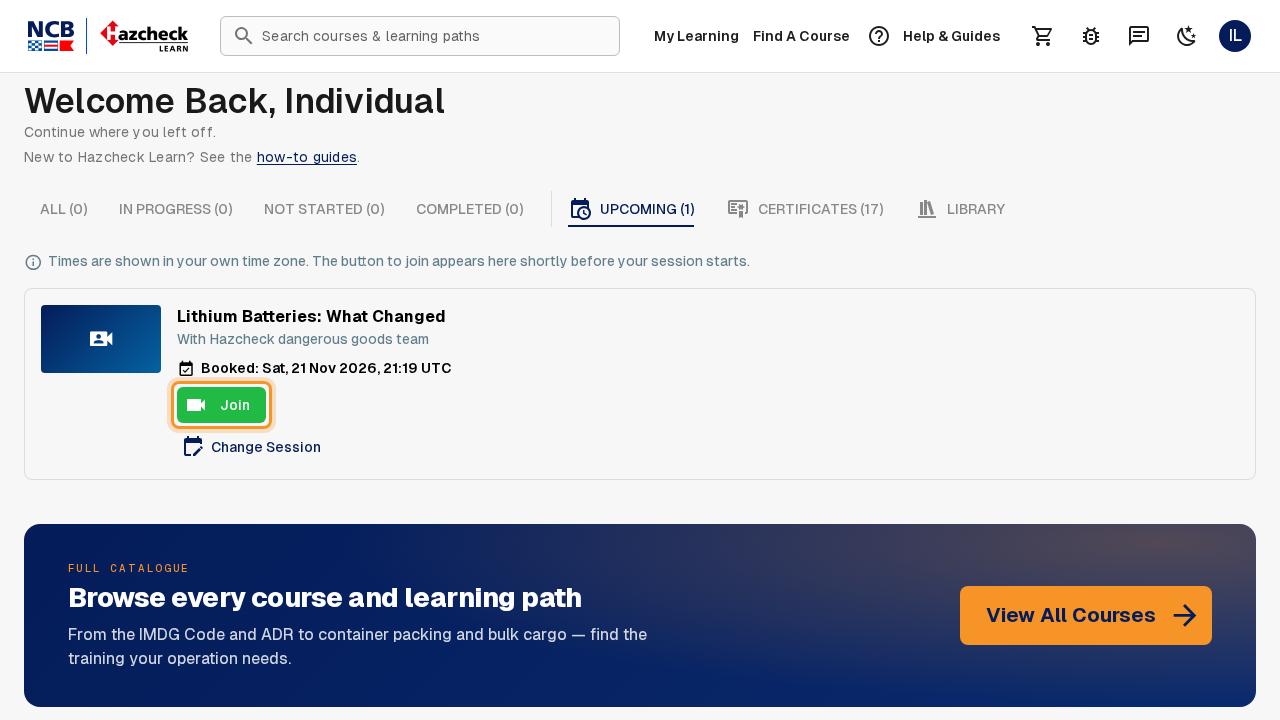
Once the room is open the booking shows Join. Select it to go in.