Buy for your company
Buying for a team? Name your company at checkout and it is set up for you, with you as its administrator and the seats ready to assign.
-
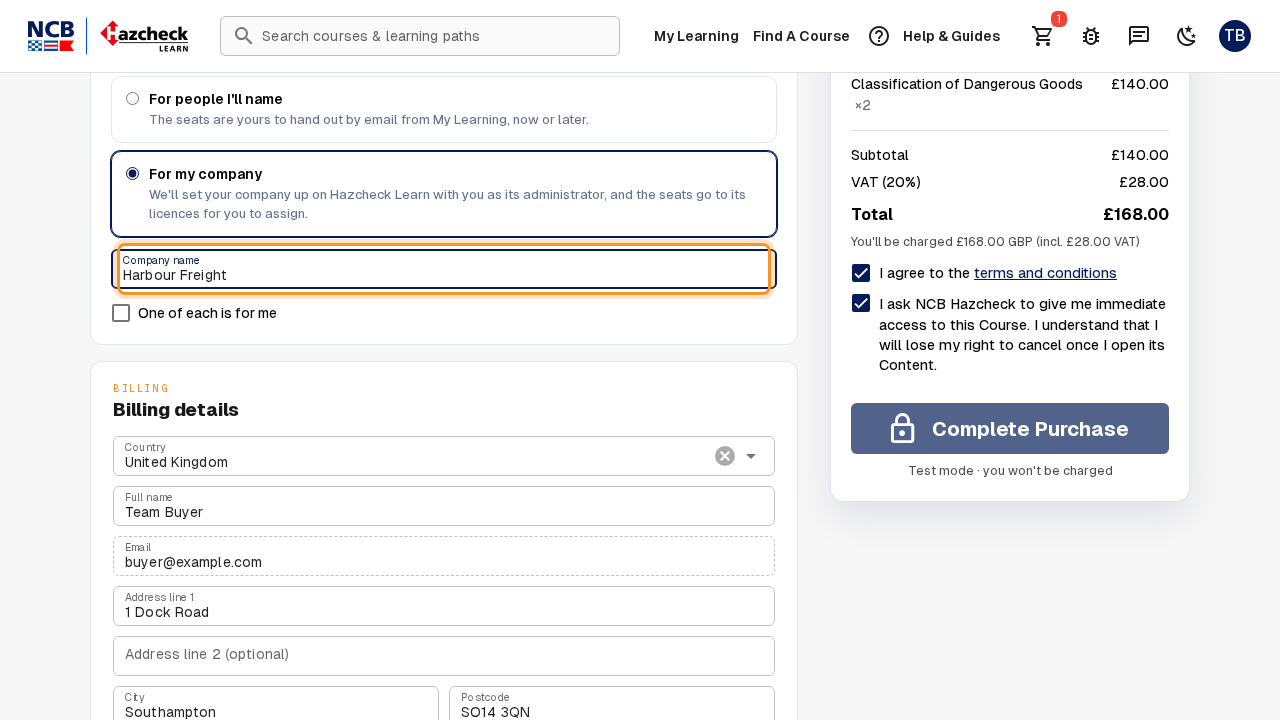
Step 1: Name your company
At checkout choose "For my company" and enter its name. If your company is already on Hazcheck Learn, ask its administrator to add you instead.
-
Step 2: Your company is ready
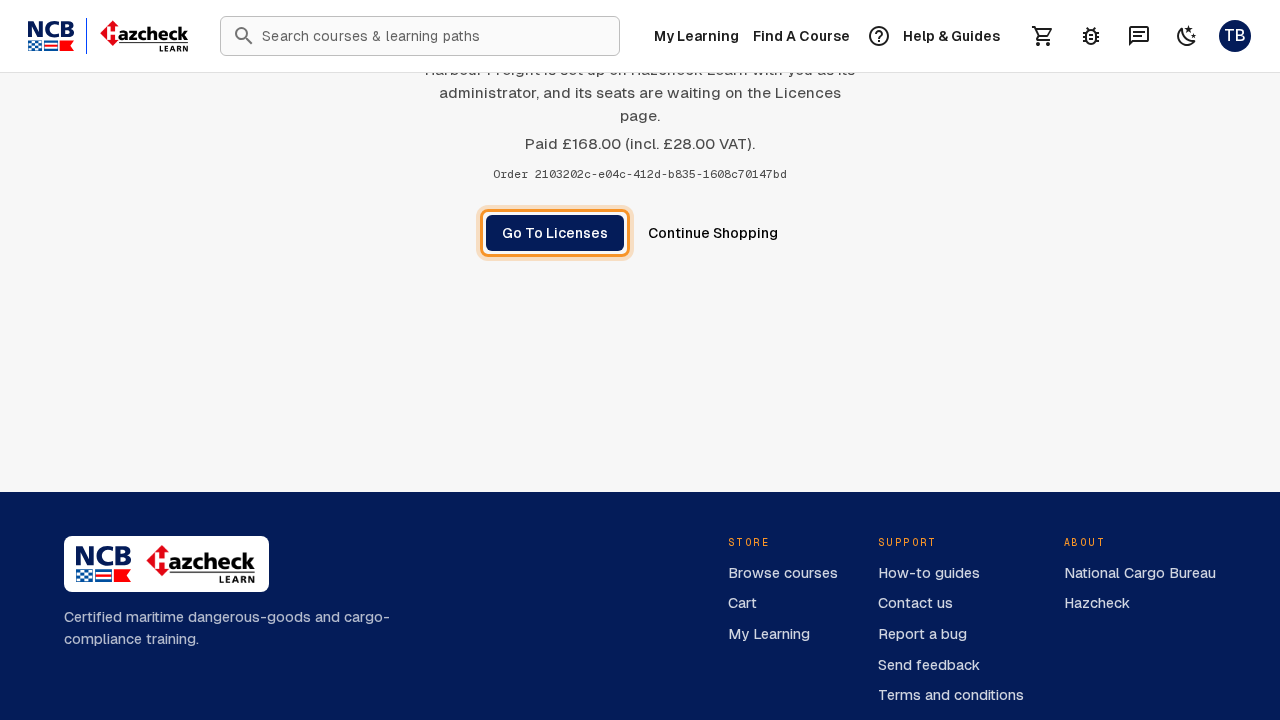
Once the order is paid your company is set up with you as its administrator. Select Go to Licenses to give the seats to your team.