Enrol on a free course
Free courses go through the same cart and checkout as paid ones, but there is nothing to pay.
-
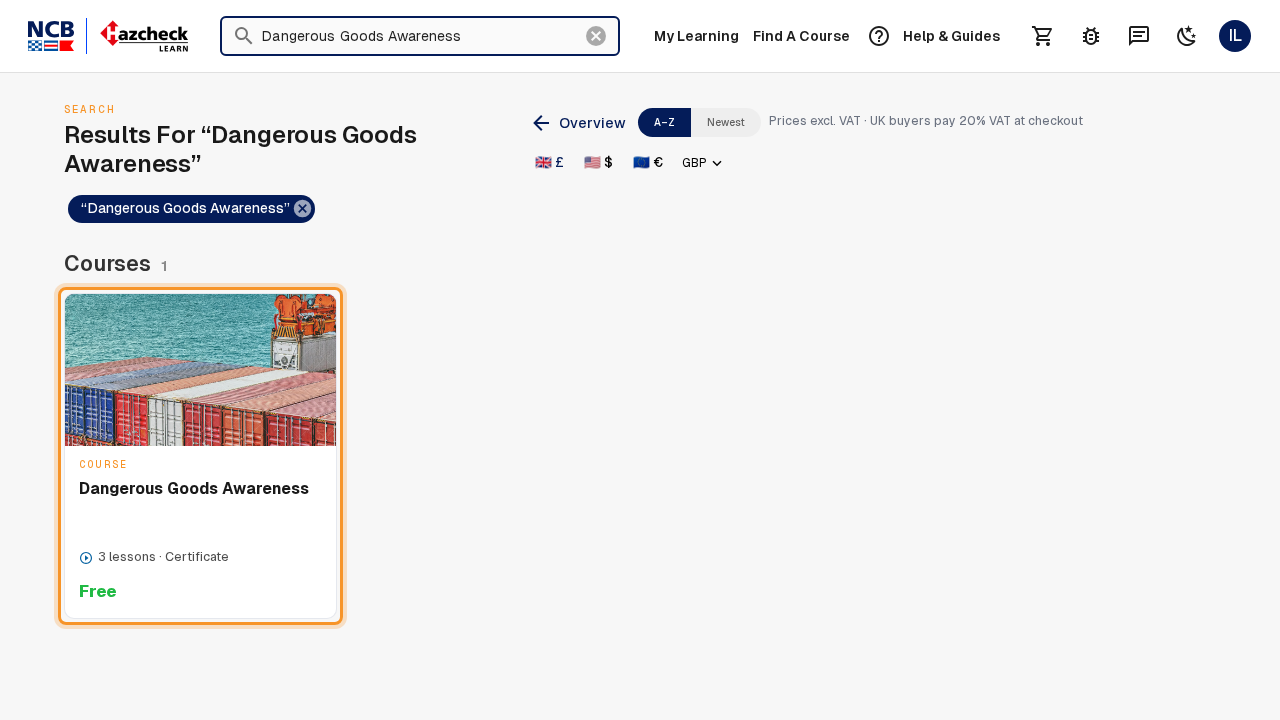
Step 1: Find the course
Type the course name into the search box at the top of the store and press Enter.
-
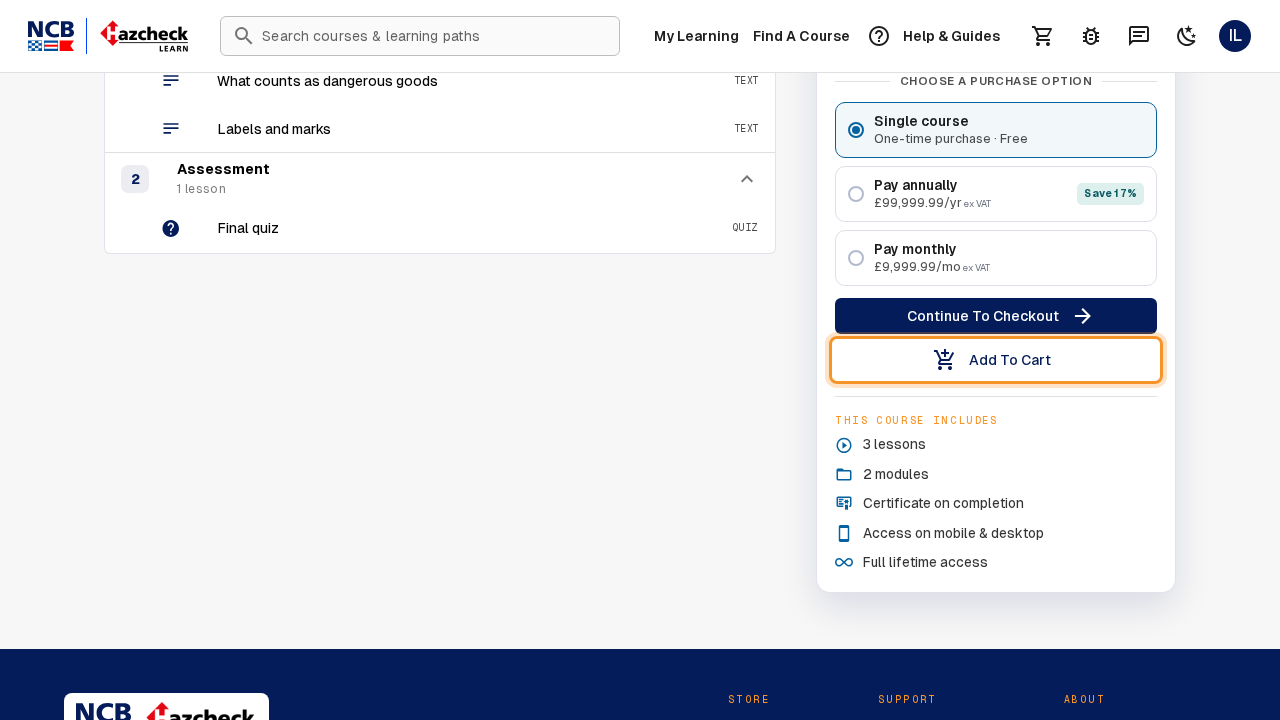
Step 2: Add it to your cart
The course page describes what you will learn. Its price shows as Free; select Add to cart.
-
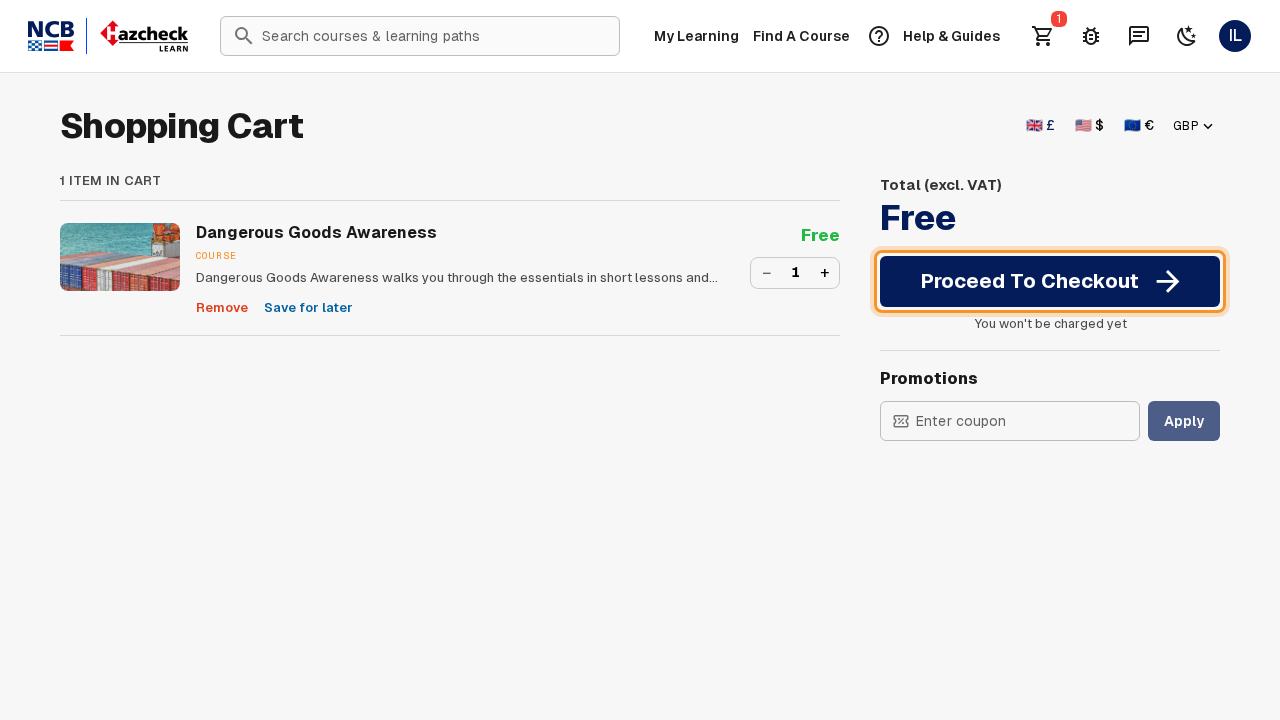
Step 3: Check your cart
Your cart lists the course with its price. Select Proceed to Checkout.
-
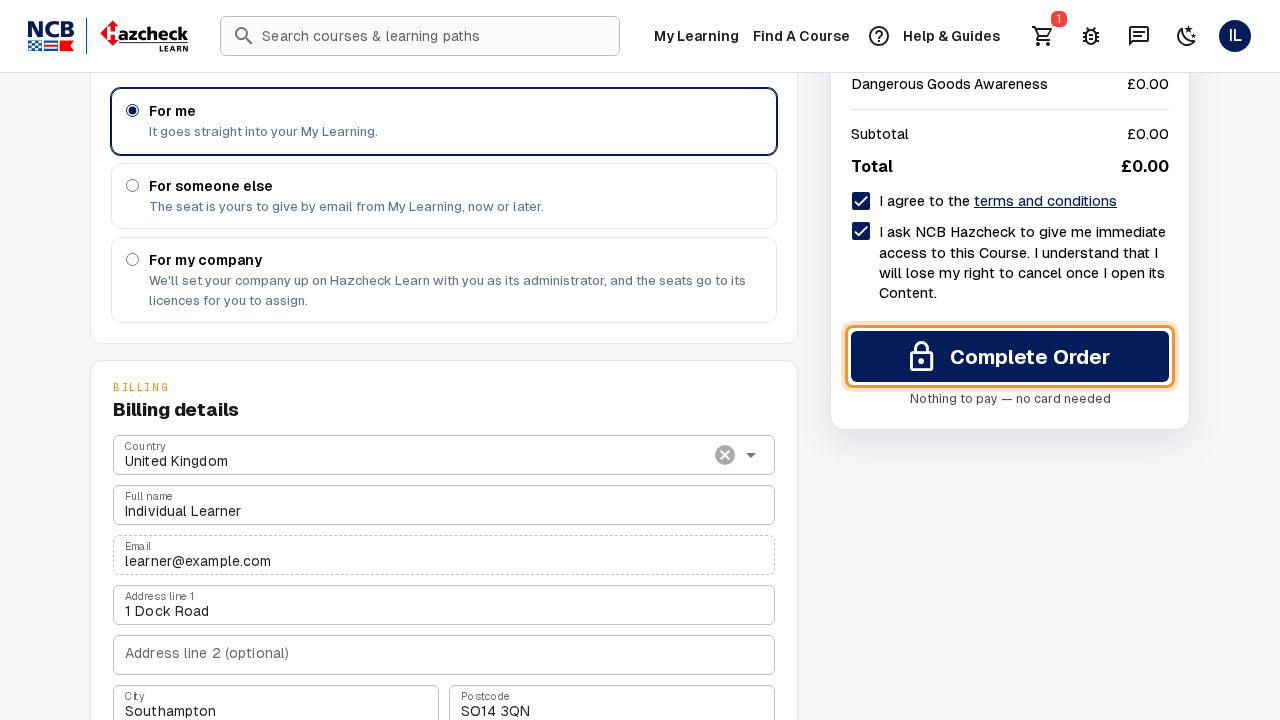
Step 4: Complete the order
Enter your billing name and address and tick to agree to the terms and conditions. A free order needs no card, so select Complete order.
-
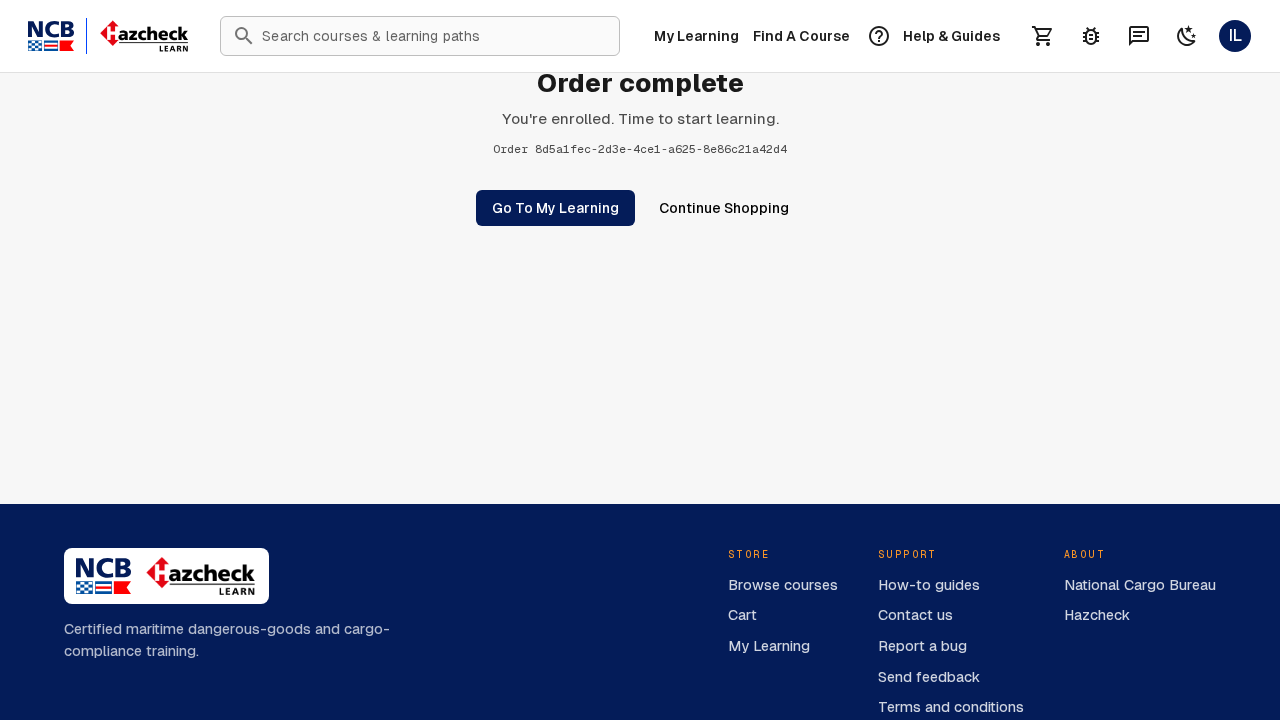
Step 5: You're enrolled
The order is confirmed straight away and the course is waiting in My Learning.