Buy a course with a discount code
Apply a discount code in your cart, then pay the rest by card.
-
Step 1: Enter your discount code
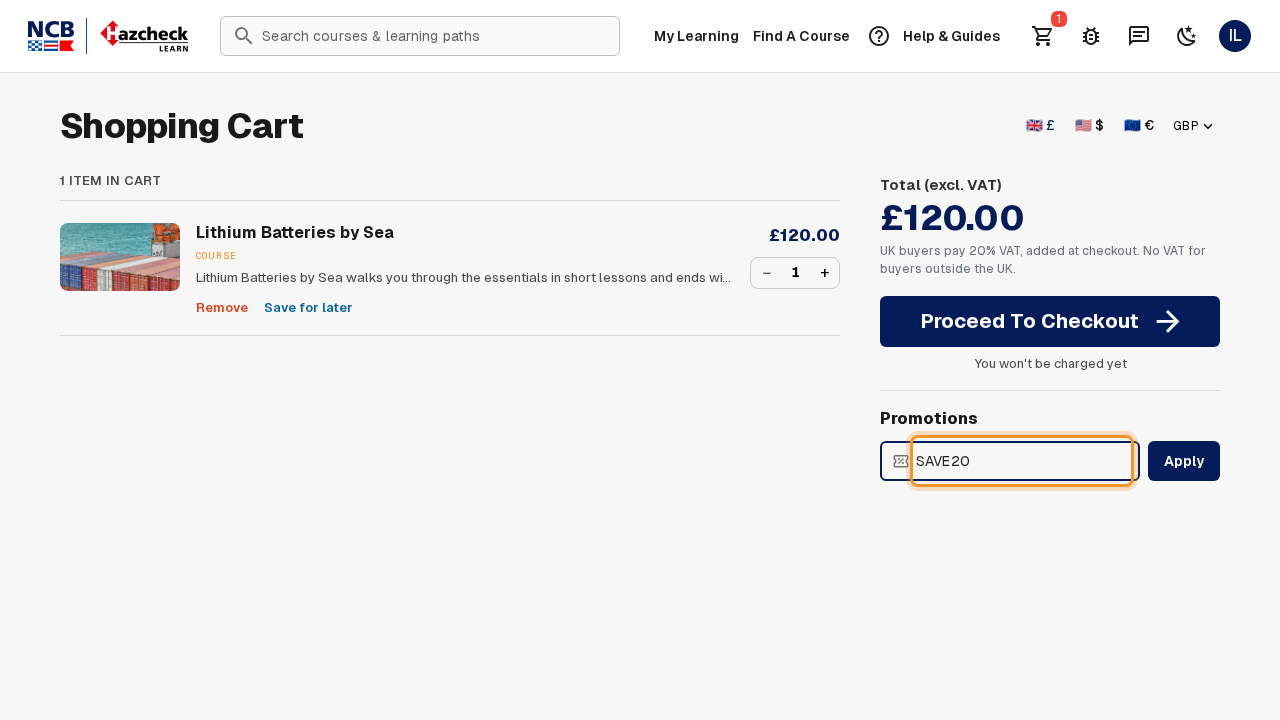
In your cart, type the code into the coupon box and select Apply.
-
Step 2: See the discount
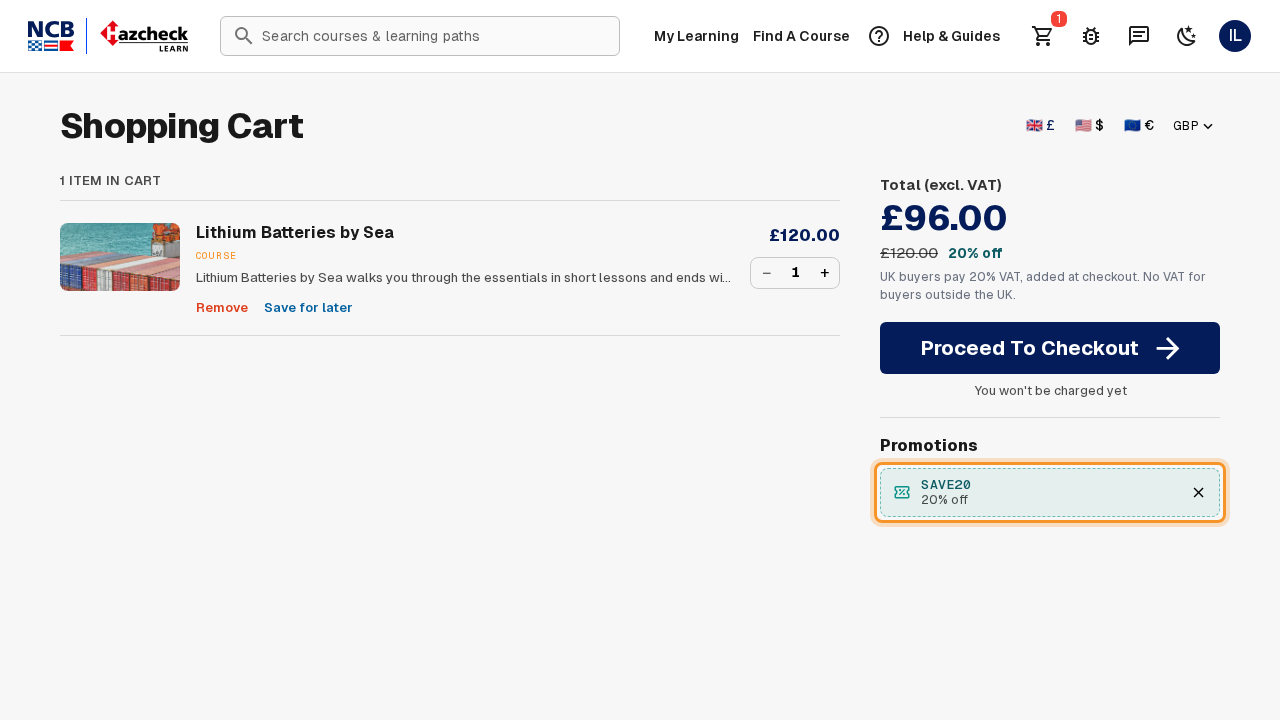
The code and its discount appear in your cart. The cart total, before VAT, now shows the discount.
-
Step 3: Pay by card
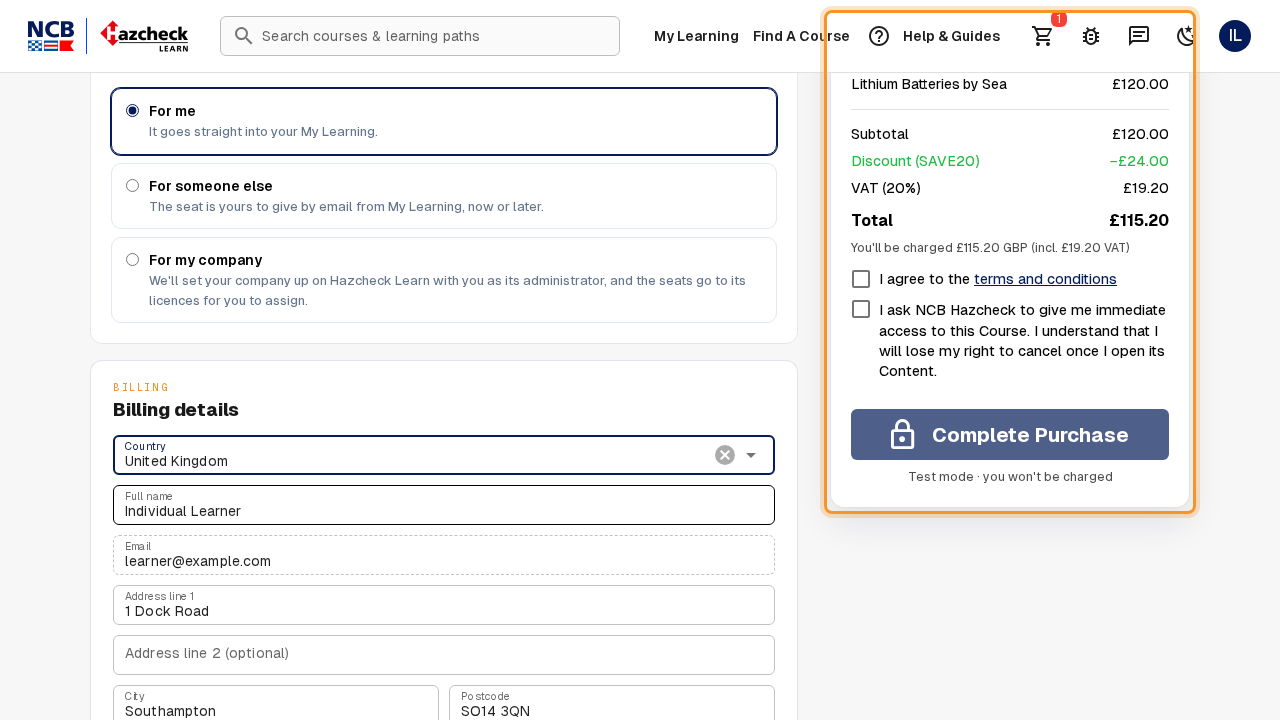
Choose your country first (type the first letters of its name to find it): UK buyers pay 20% VAT, shown in the order summary. Then enter your billing address, choose Card, enter your card details and tick to agree to the terms and conditions. The order summary shows the discount taken off.
-
Step 4: Payment confirmed
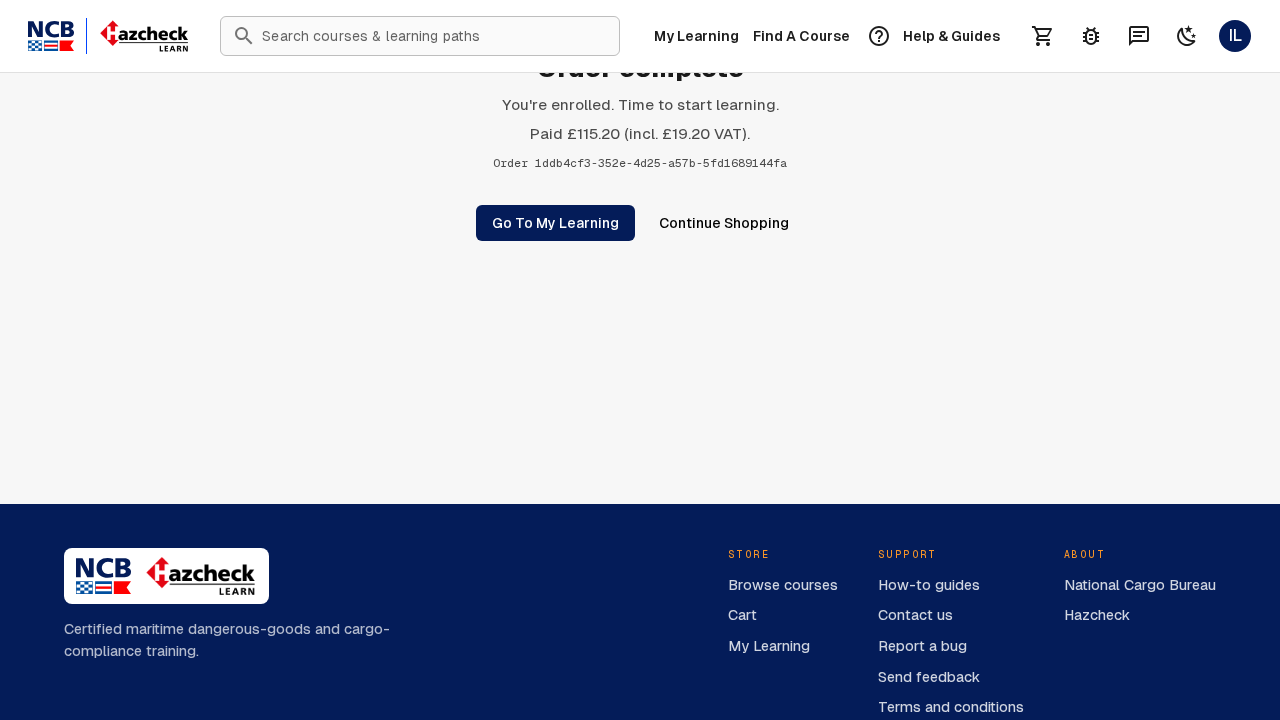
Once the payment goes through you're enrolled, and a receipt is emailed to you.