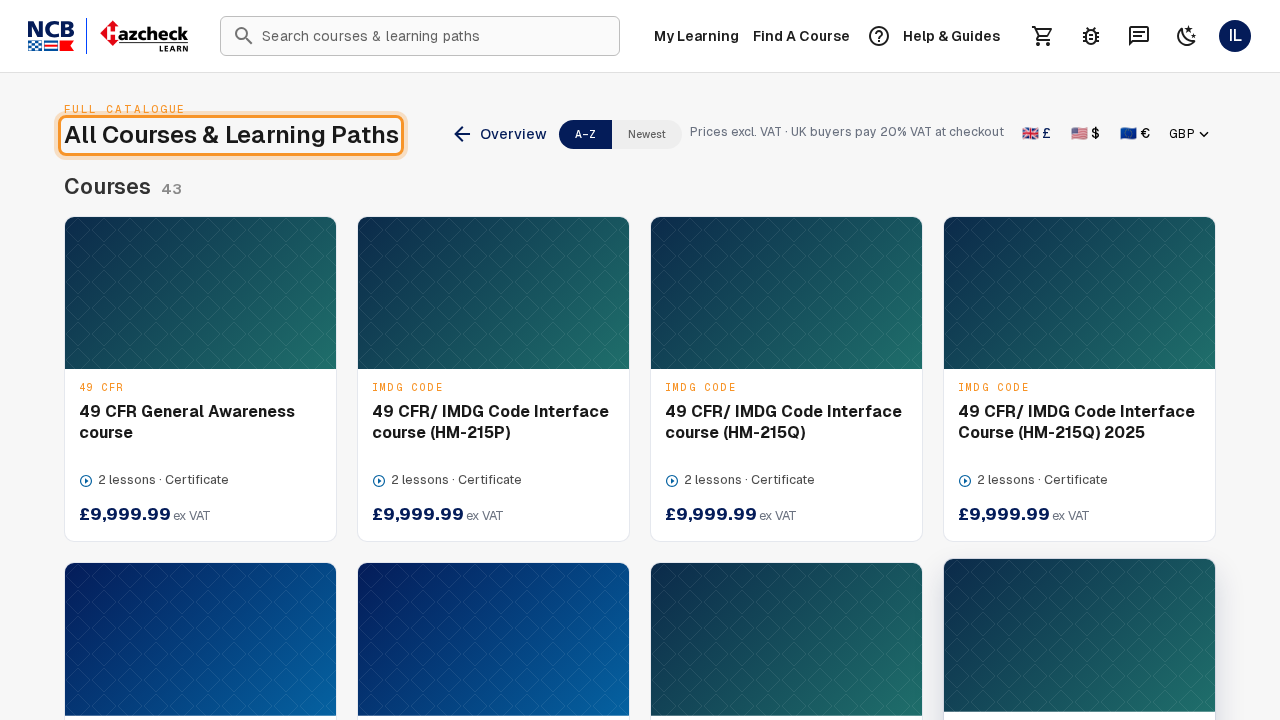
Find more courses from My Learning
Hazcheck Learn opens on My Learning. The store's full catalogue is just below it.
-
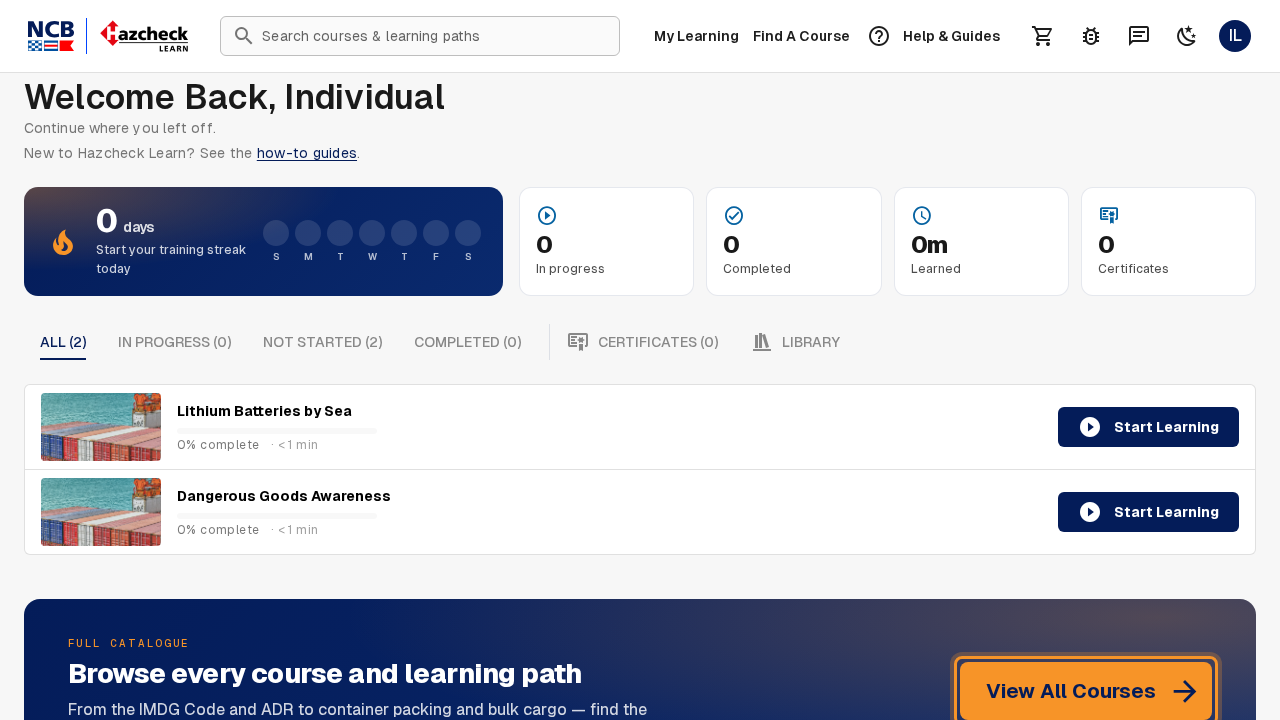
Step 1: Start from My Learning
When you sign in, Hazcheck Learn opens on My Learning, at your courses. Your documents and publications are under Library. Below them are the full catalogue and a choice of featured courses. To see every course, select View All Courses.
-
Step 2: Browse the catalogue
The store lists every course and learning path. Search, sort or open any of them; My Learning is at the top of every page.