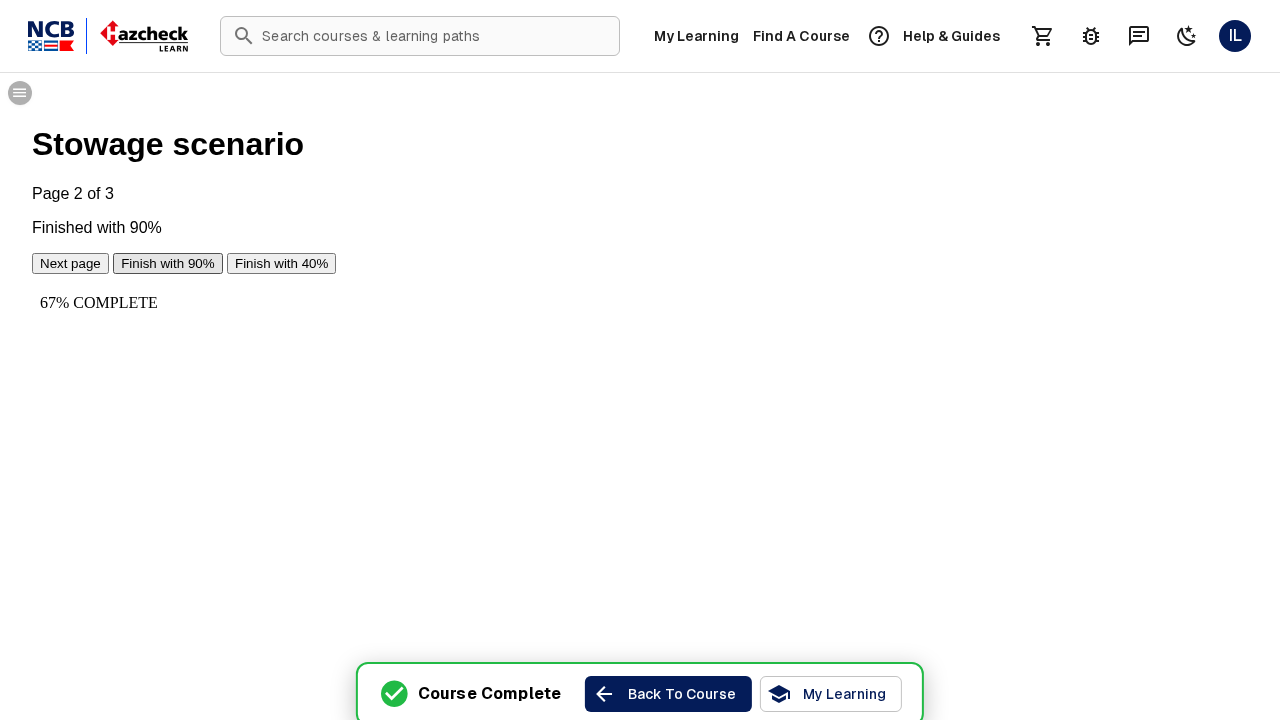
Pick up a course where you left off
Come back to a course at any time: My Learning takes you to it, and an interactive module reopens at the page you reached.
-
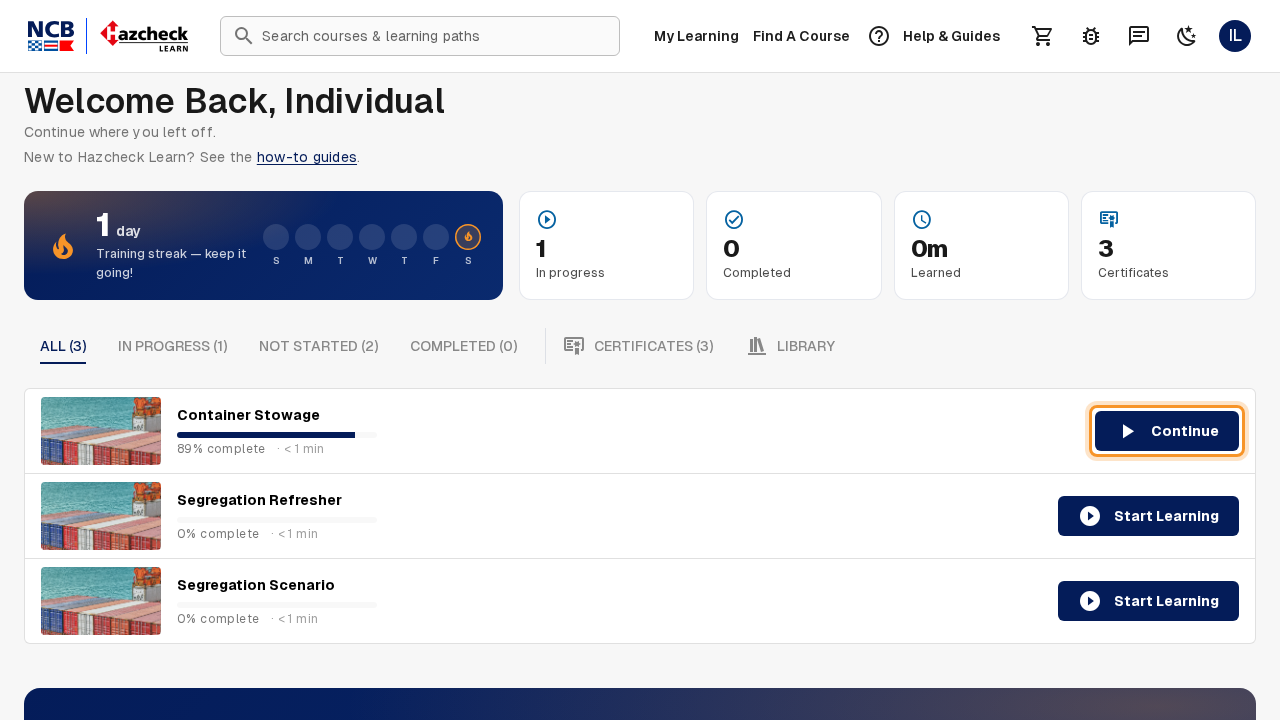
Step 1: Open My Learning
A course you have started shows how far you have got. Select Continue.
-
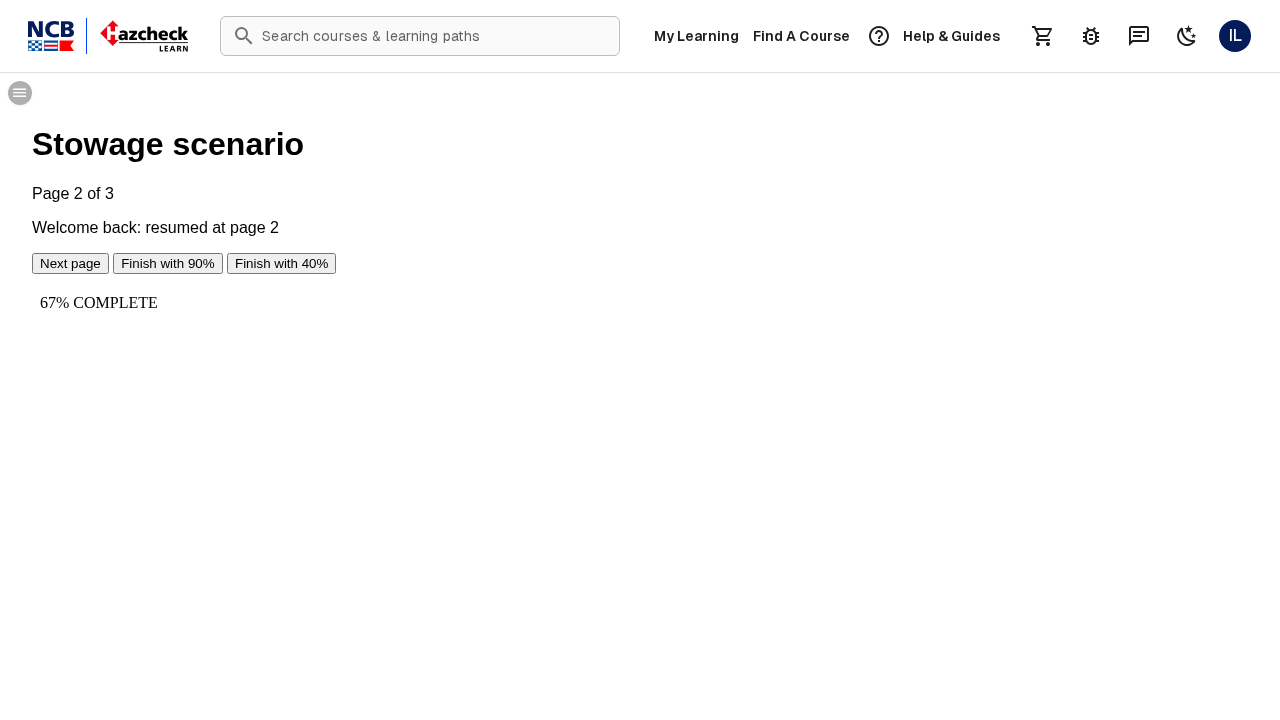
Step 2: Carry on
The module opens at the page you reached last time.
-
Step 3: Finish the course
When you finish the last lesson the course is complete. Select My Learning for your certificate.