Work through a course in order
Some courses must be taken in order: each lesson opens once you have finished the one before.
-
Step 1: Start the course
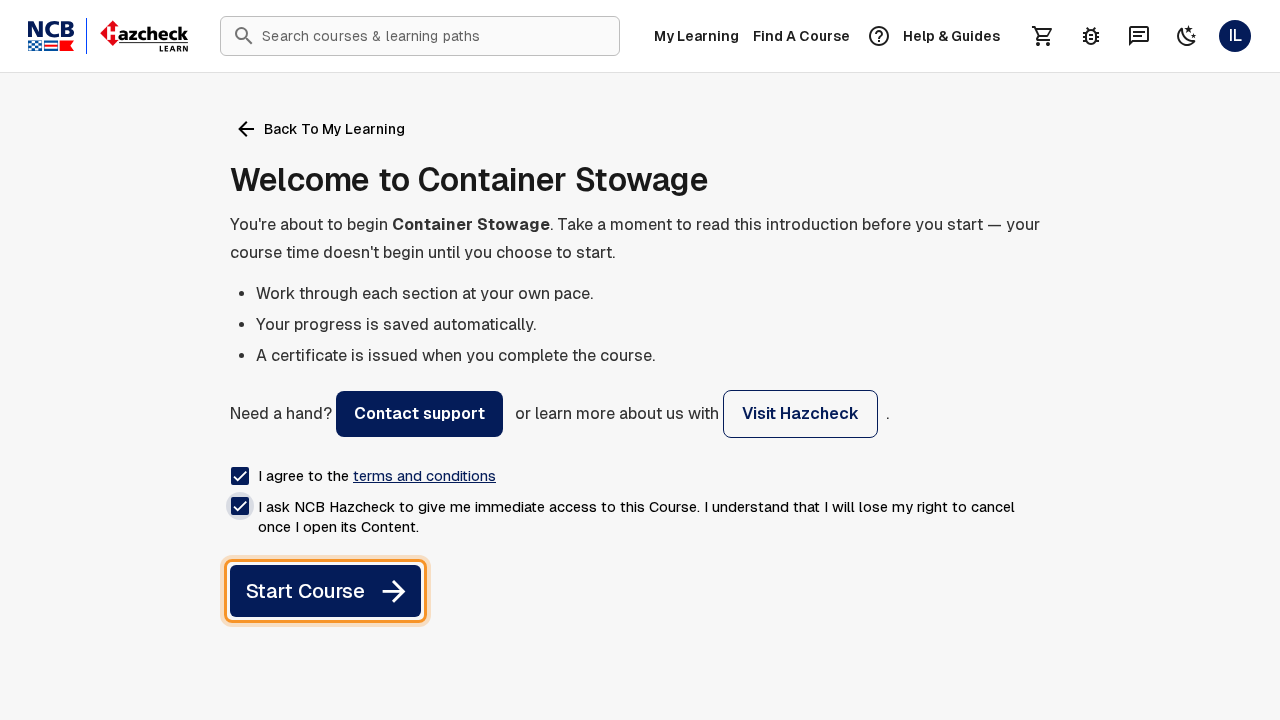
The course opens on its introduction. Tick to agree to the terms and conditions and to ask for immediate access, then select Start course.
-
Step 2: See what's locked
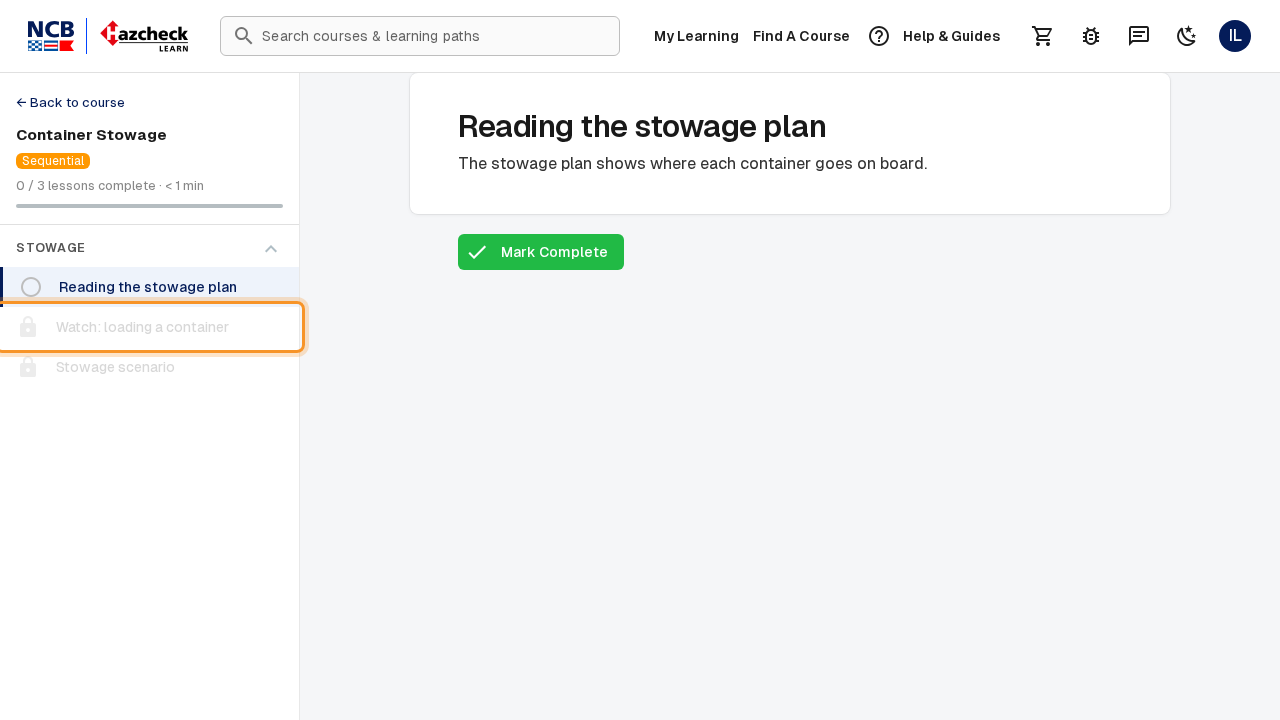
The lessons are listed on the left. In a sequential course a padlock marks the lessons you can't open yet.
-
Step 3: Watch a video lesson
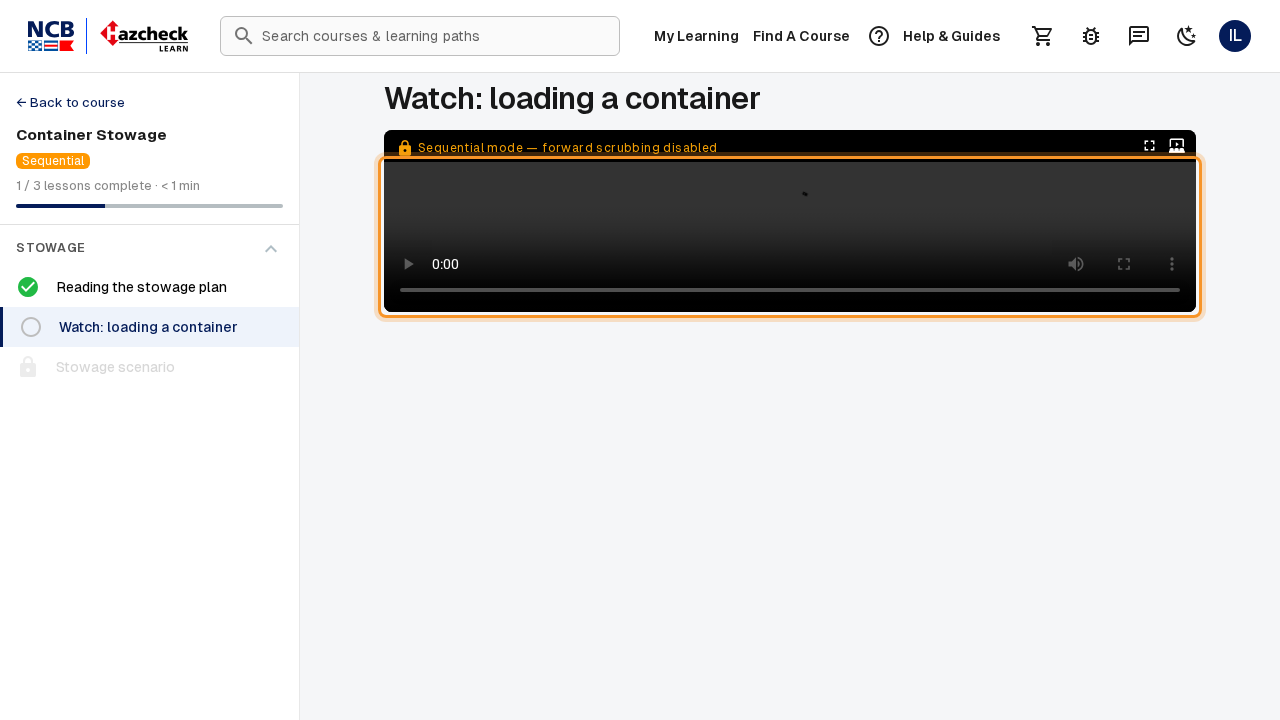
A video lesson is finished when you have watched it to the end. In a sequential course you can't skip ahead in it.
-
Step 4: Take an interactive module
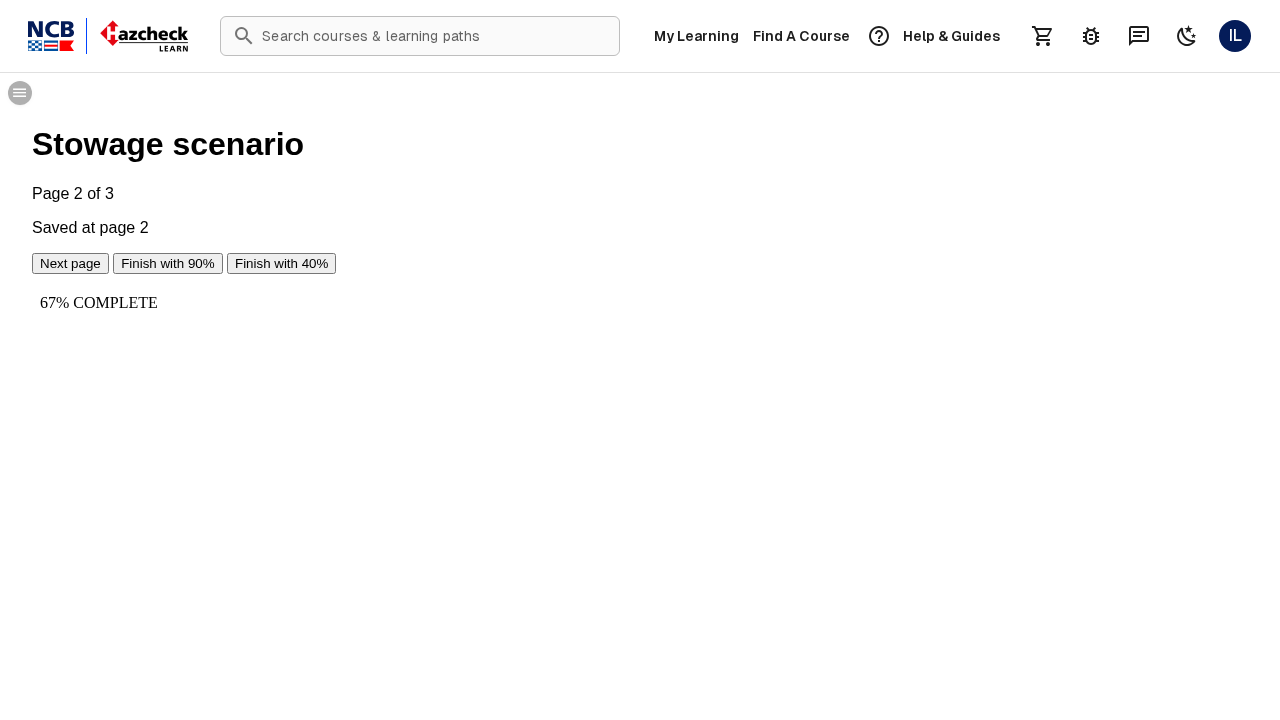
Interactive modules open inside the lesson. Your place is saved as you go, so you can leave and come back later.